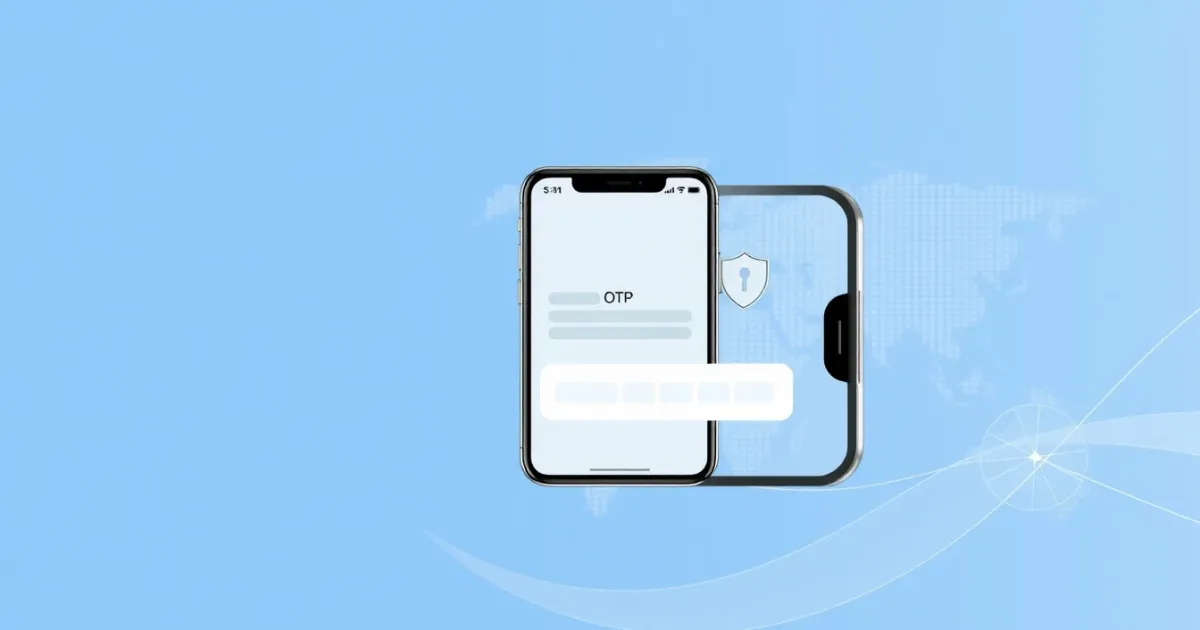
Understanding the Apple Music Phone Verification Service: How It Works and Why It Is Used
When you create an Apple ID, set up a subscription, or recover a locked account, you may encounter a prompt requesting your mobile number. The Apple Music phone verification service is the internal security process Apple uses to confirm your identity via a short text message or automated voice call containing a one-time passcode, known as an OTP.
This verification step helps Apple prevent automated bot signups, reduce fraudulent family plan invitations, and secure personal accounts against unauthorized access. However, many users search for this term when they encounter verification errors, want to understand how their phone number is used, or are looking for alternative ways to complete signups without exposing their primary mobile number.
Quick Answer
Apple Music uses phone verification to authenticate user identities, prevent automated fraud, and secure accounts. You will receive an SMS or voice call with a verification code during account creation or security updates. While standard mobile numbers work best, privacy-conscious users sometimes look into virtual number services when facing delivery issues, regional restrictions, or spam concerns.
- Requires a valid SMS-capable phone number during setup or recovery.
- May fail if your mobile carrier blocks shortcodes or experiences network delays.
- VoIP numbers can sometimes be flagged or restricted by security filters.
What it means / how it works
The verification process is straightforward behind the scenes. When Apple needs to verify that a real person is managing an Apple ID or streaming profile, its servers generate a temporary numeric passcode. This code is sent through a telecom SMS gateway directly to your mobile device.
Once your device receives the message, you enter the code back into the Apple Music app, iTunes, or the account management web page. If the numbers match within the designated expiration window, your session is authenticated.
Apple relies on this system to protect digital rights management (DRM) agreements, manage family sharing limits, and ensure that promotional trial offers are not exploited by automated scripts. The verification system distinguishes between standard mobile carrier numbers and internet-based Voice over IP (VoIP) lines. Because VoIP lines are frequently used for disposable or mass registrations, certain automated security filters may flag or reject them, requiring a standard cellular connection.
Practical scenarios
- Creating a fresh Apple ID: Setting up a new Apple account specifically to stream music or manage offline downloads on a new iPhone, Android device, or PC.
- Accessing student or family discounts: Verifying your phone number and identity when enrolling in special discounted pricing tiers or managing shared family subscription groups.
- Recovering a locked account: Regaining access to your music library, playlists, and purchase history after forgetting your password or triggering a security lock.
- Switching regions or country stores: Updating your Apple ID profile details when moving to a new country, which often requires re-verifying a local phone number.
- Troubleshooting two-factor authentication (2FA): Receiving trusted device codes when logging into Apple Music on a web browser or a non-Apple hardware device for the first time.
- Clearing suspicious login attempts: Completing mandatory identity checks after Apple detects unusual sign-in activity from an unfamiliar IP address or device.
- Managing gift cards and billing updates: Confirming your identity when adding new payment methods, redeeming gift cards, or resolving disputed subscription charges.
Step-by-step
Completing the verification process normally follows a predictable sequence across Apple's ecosystem. Whether you are using an iOS device, an Android phone, or a web browser, understanding each stage can help you avoid common errors.
- Initiate the action: Open Apple Music, navigate to account settings, and select either account creation, login, or password recovery.
- Enter your phone number: Input your active mobile phone number with the correct country code. Make sure your device has active cellular service to receive incoming messages.
- Choose verification method: Select whether you prefer to receive a short message service (SMS) text or an automated phone call. Text messages are the default choice for most users.
- Wait for the OTP: Watch your messaging app for the verification code. Most codes arrive within a few seconds, though network congestion can occasionally cause brief delays.
- Input the passcode: Type the numeric code accurately into the verification prompt. Do not share this code with anyone, as Apple support will never ask for your verification code over the phone.
- Complete the setup: Once verified, your account or subscription change will be finalized, allowing you to access your music library and settings.
Safety/privacy/legal
Sharing your personal phone number with major technology platforms involves important privacy and security considerations. Apple uses your phone number strictly for authentication, account recovery, and security notifications.
However, privacy-conscious consumers often worry about data retention, targeted marketing, and what happens if a database is compromised. Apple maintains strict data privacy standards, but storing personal phone numbers with large tech companies still ties your digital media consumption directly to your real-world identity.
From a legal and compliance standpoint, using valid identification methods helps platforms enforce copyright laws, prevent unauthorized account sharing, and comply with regional telecommunications regulations. At the same time, users have a right to control their personal data. If you wish to minimize spam or keep your personal number private from secondary accounts, you should understand the risks associated with public directories or unverified third-party tools.
Always avoid free public SMS inboxes for personal accounts. Public numbers display incoming messages on web pages that anyone can view, meaning strangers could potentially see your verification codes or attempt to hijack your account recovery options.
Best alternatives
If you encounter issues receiving codes on your primary mobile carrier, or if you prefer not to use your personal phone number for secondary or temporary accounts, several alternatives exist:
| Option | Best For | Privacy Level | Works For Repeat Login? | Main Limitation |
|---|---|---|---|---|
| Standard Mobile Carrier | Primary personal accounts | Low (tied to identity) | Yes | Exposes your real phone number |
| Secondary SIM Card | Dedicated personal devices | Medium | Yes | Requires extra hardware or dual SIM |
| Paid Virtual Number Service | Temporary or secondary signups | Higher | Depends on rental terms | May be blocked if classified as VoIP |
For users who need a paid private option instead of a public inbox, PVACodes can be considered as one SMS verification solution, depending on the country, app, and current availability.
Frequently Asked Questions
Q
What is an Apple Music phone verification service?
It is the security mechanism Apple uses to confirm your identity by sending an OTP via text message or call when you create an account, log in, or update your security settings.
Q
Why is Apple asking for my phone number?
Apple requires a phone number to prevent automated bot registrations, reduce subscription fraud, secure your media library, and enable two-factor authentication.
Q
What should I do if the verification code does not arrive?
Check your cellular signal, make sure your phone is not blocking unknown shortcodes, restart your device, and request a new code after the timer expires.
Q
Can I use a VoIP number for Apple Music verification?
Apple's security filters frequently flag or reject VoIP numbers to prevent fraud, so standard mobile carrier numbers are generally required for successful verification.
Q
Are free online SMS numbers safe to use for Apple Music?
No. Free public numbers display messages on open web pages visible to anyone, putting your account recovery and personal security at risk.
Q
Does Apple Music charge money to send a verification text?
Apple does not charge a fee, but your mobile carrier's standard SMS rates may apply depending on your current mobile service plan.
Q
How long is an Apple verification code valid?
Most verification codes expire within a few minutes. If your code expires before you enter it, you must request a fresh code from the app.
Q
Can I change the phone number linked to my Apple ID later?
Yes. You can update your trusted phone number anytime by visiting your Apple ID account page or navigating to the security settings on your Apple device.
Q
Why am I getting verification texts when I did not request them?
If you receive unsolicited verification codes, someone may have typed your phone number by mistake, or an unauthorized party might be attempting to access your account.
Q
Is my phone number shared with artists or other users?
No. Apple keeps your phone number private. It is used strictly for internal account security, authentication, and billing verifications.
Conclusion
The Apple Music phone verification service plays a vital role in keeping user accounts secure and preventing fraudulent activity across the streaming platform. Whether you are setting up a new subscription, recovering a locked profile, or troubleshooting delivery delays, understanding how SMS verification works ensures a smoother experience.
Always use a secure, private mobile connection for your primary accounts, and avoid public or unverified services that put your personal data at risk. If you run into persistent delivery issues, check your carrier settings or consult Apple support for further guidance.
Need a number for Apple Music? Get a non-VoIP number that receives the code on the first try.
Get a Apple Music number