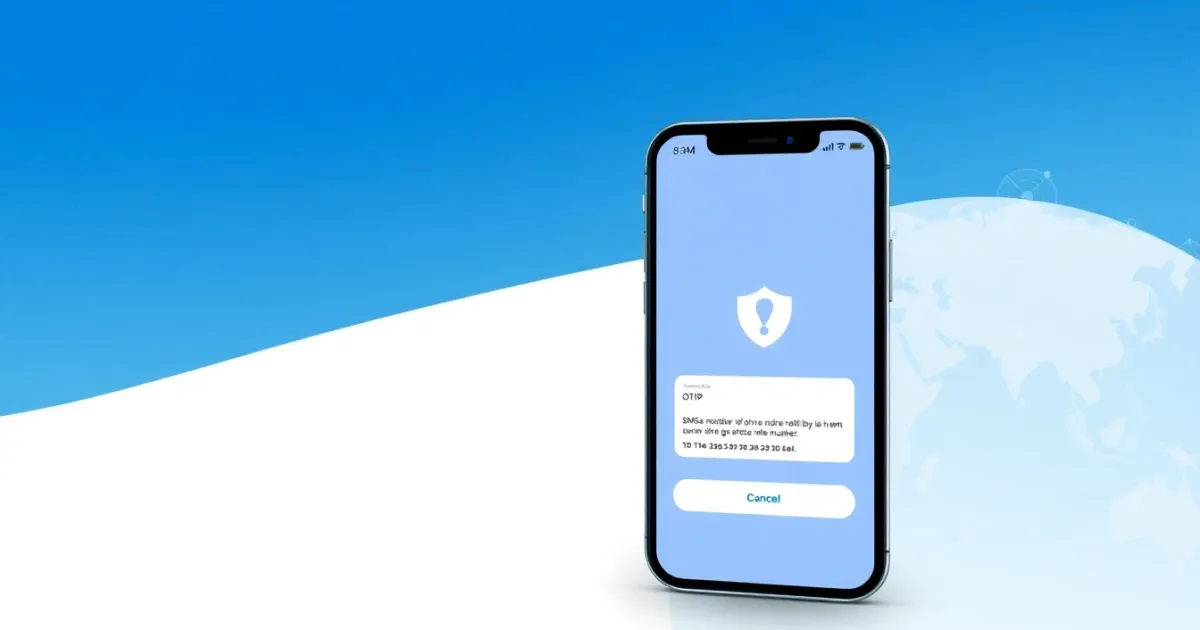
Temporary Phone Number for Apple Music: What You Need to Know
Using a temporary phone number for Apple Music allows you to complete account registration or phone verification without sharing your personal mobile number. While it can help you create a new Apple ID or bypass a one-time verification check, Apple’s security systems frequently flag VoIP and temporary numbers, which means delivery failure is common.
Quick Answer
A temporary phone number is a disposable or virtual number used to receive SMS verification codes online. For Apple Music, you can use these numbers to verify a new account, but public free numbers often fail because Apple restricts virtual carrier networks. Paid rental numbers or private virtual options generally offer higher success rates for account verification.
- Useful for separating personal contact details from online entertainment accounts.
- Main risk includes delivery blocks, account locks, and recovery failures if you lose access to the number.
- Apple's strict anti-fraud systems often block VoIP or public shared inbox numbers.
Introduction
Signing up for music streaming services often requires a mobile number verification step. Whether you are creating a fresh Apple ID to access a regional storefront, testing a promotional trial, or simply keeping your personal phone number private, you might consider using a temporary phone number.
However, Apple maintains strict security controls around account creation and device activation. Not every virtual number will successfully receive a verification code. Understanding how Apple handles phone verification, the difference between free and paid numbers, and the associated security risks will help you decide the right approach for your account setup.
What It Means and How It Works
A temporary phone number is an online number that receives SMS messages through a web dashboard or a virtual inbox without needing a physical SIM card. When a platform like Apple sends a one-time password (OTP) via SMS, the message travels through telecom gateways and lands in the digital inbox assigned to that virtual number.
When you register for an Apple ID, Apple uses phone verification to confirm that a real person is creating the account and to prevent automated bot registrations. During sign-up, you enter the virtual number instead of your personal mobile number. If the carrier network routing the message is accepted by Apple's system, the verification code arrives in your temporary inbox, allowing you to complete the registration.
However, telecom networks divide numbers into mobile carrier routes and VoIP (Voice over Internet Protocol) routes. Apple, like many major technology platforms, tracks these number ranges. If an Apple verification system detects that a number belongs to a public, internet-based pool rather than a standard mobile operator, it may quietly drop the message or display an error message stating that the phone number cannot be used.
Practical Scenarios
- Setting up a secondary Apple ID: Managing separate accounts for different regional app stores or distinct music playlists without linking your primary smartphone number.
- Protecting personal privacy: Preventing your primary mobile number from being stored in commercial entertainment databases, which reduces unwanted marketing texts and data exposure risks.
- Free trial management: Testing subscription tiers or introductory offers while keeping your personal billing profile separate from temporary sign-ups.
- Shared device configuration: Setting up a shared family tablet or computer with a dedicated Apple ID that does not tie back to any single family member's private phone.
- Avoiding spam and data brokers: Shielding your real-world identity from public directories and third-party app integrations linked to entertainment platforms.
- Short-term access needs: Accessing music libraries or podcasts on web browsers or guest devices where you prefer not to input personal contact details.
- Testing account recovery flows: Experimenting with how verification systems behave across different regions and carrier networks.
Step-by-Step
If you choose to use a virtual or temporary phone number to create an Apple ID or verify your Apple Music account, follow these operational steps to maximize your chances of success:
- Choose a number provider: Select a reliable temporary phone number service that provides numbers capable of receiving standard SMS text messages rather than voice-only calls.
- Select the correct country code: Ensure the virtual number matches the country of the Apple ID region you intend to create, as mismatched regions frequently cause verification errors.
- Input the number into Apple ID registration: Open the Apple ID creation page or the Apple Music app, select the correct country prefix, and paste your temporary number into the phone field.
- Monitor the virtual inbox: Keep the browser tab or provider dashboard open and wait for the verification code to arrive. Delivery can take anywhere from a few seconds to a few minutes depending on carrier traffic.
- Enter the OTP: Copy the code sent by Apple and paste it into the verification prompt to complete your account activation.
- Secure your account details: Note down your virtual number, password, and security questions if you intend to log back into the account in the future.
Safety, Privacy, and Legal Considerations
Using virtual numbers involves distinct trade-offs regarding security and account ownership. Because temporary numbers are often recycled among multiple users, anyone who gains access to that same number in the future could potentially request a password reset for your Apple ID.
Furthermore, public free numbers offer zero privacy. Anyone visiting the same public website can view incoming messages, meaning your verification codes, account names, and partial details could be exposed to strangers. For any account you plan to use long-term—especially one tied to paid subscriptions or purchased media—public numbers present a severe security risk.
From a legal and platform policy standpoint, using virtual numbers does not violate laws in most jurisdictions, but it does breach Apple's terms of service if used to commit fraud, abuse free trials systematically, or bypass security bans. If Apple detects suspicious activity originating from virtual carrier blocks, it can lock or permanently terminate the associated Apple ID without warning, causing you to lose access to any music library, playlists, or purchases stored within that account.
Best Alternatives
When public free inboxes fail to receive Apple verification codes, or when you require greater security for a long-term account, alternative options can provide better reliability.
Free public web numbers are generally unreliable for major platforms like Apple because their carrier routes are heavily filtered and blacklisted. For more consistent results, users often turn to dedicated virtual number providers.
For example, PVACodes offers private virtual phone numbers and temporary SMS solutions that can be rented or assigned for specific platform verifications, helping users receive OTP codes without exposing their personal mobile lines.
Another alternative is using a secondary physical SIM card or an eSIM from a prepaid carrier. While this requires a small financial investment, prepaid physical numbers are rarely flagged as VoIP by Apple, guaranteeing maximum compatibility with account verification and long-term recovery.
Frequently Asked Questions
Can I use a free temporary number for Apple Music?
You can try, but free public numbers rarely work for Apple ID verification. Apple's security filters routinely block messages sent to public virtual carrier networks to prevent spam and automated bot creation.
Why is Apple not sending the verification code to my virtual number?
Apple blocks many VoIP and virtual number ranges because they cannot verify the identity of the user. If your number is recognized as an internet-based virtual line, the SMS gateway will reject it or fail to deliver the OTP.
Is it safe to use a public temporary number for an Apple ID?
No. Public temporary numbers have shared inboxes where anyone can view incoming messages. If you use a public number, strangers can see your verification codes and potentially access or hijack your account.
What happens if I lose access to my temporary phone number?
If your temporary number expires or is reassigned to another user, you will lose the ability to receive future SMS verification codes. If Apple requires two-factor authentication later, you will be permanently locked out of your Apple ID.
Can I use a temporary number for a paid Apple Music subscription?
While you can register the account with a virtual number, funding a paid subscription requires a valid payment method such as a credit card or gift card. If the account gets locked and requires phone verification, losing the number means losing access to your paid subscription and library.
Do virtual numbers work for Apple Music family sharing?
Family sharing requires stable, trusted accounts with reliable recovery options. Using virtual numbers for family organizer accounts is strongly discouraged because an account lock will disrupt access for all connected family members.
How long do temporary phone numbers stay active?
Free public numbers usually expire within a few hours or days, while paid rental numbers can remain active for weeks or months depending on the plan you choose with your provider.
What is the difference between a temporary number and a rental number?
A temporary number is typically a shared, short-lived public inbox meant for a single verification. A rental number is a private virtual number assigned exclusively to you for an extended period, allowing for repeat logins and account recovery.
Will Apple ban my account if I use a virtual number?
Apple rarely bans accounts solely for using virtual numbers during sign-up, but if the system flags the registration as suspicious or automated, it may lock the Apple ID until you verify ownership via a trusted personal device or phone number.
What are the best alternatives if temporary numbers fail?
If virtual numbers fail to receive your Apple verification code, your best alternative is to use a secondary prepaid physical SIM card, an eSIM from a local mobile carrier, or a trusted private rental number service.
Conclusion
Using a temporary phone number for Apple Music can help you set up an account quickly without revealing your personal mobile data. However, due to Apple's strict anti-fraud filters, free public numbers frequently fail to receive SMS verification codes.
For quick tests or low-risk registrations, virtual numbers can be useful. For any account you plan to keep long-term or fund with a paid subscription, relying on private rental numbers or secondary prepaid SIM cards is a safer choice to prevent permanent account lockouts.
Need a number for Apple Music? Get a non-VoIP number that receives the code on the first try.
Get a Apple Music number