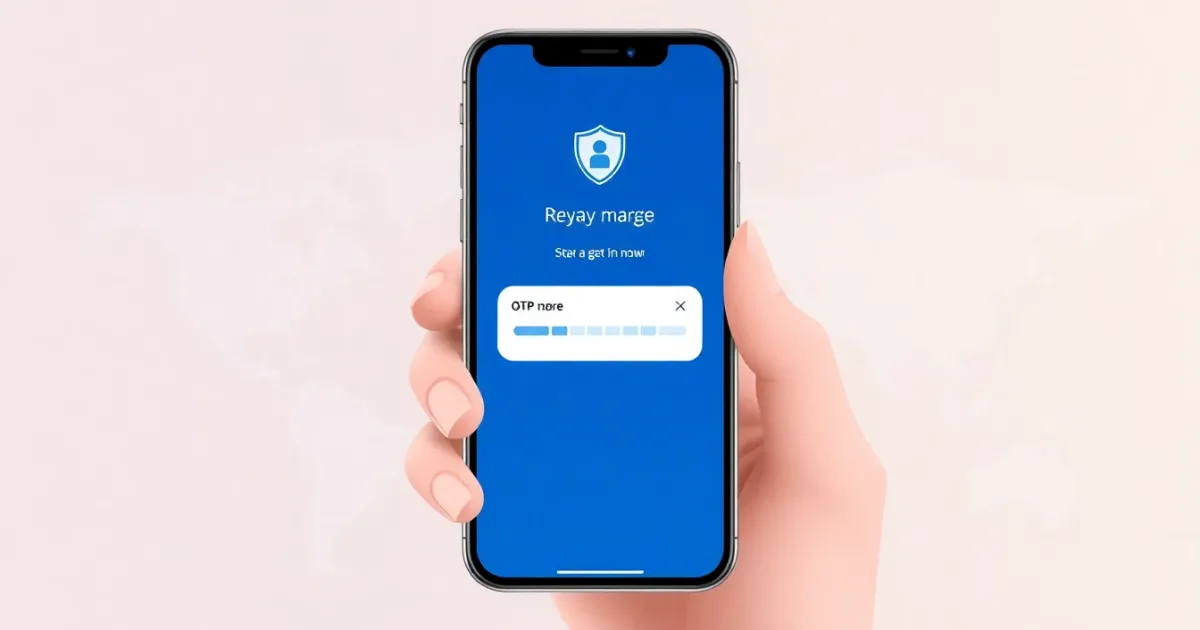
Monster OTP Verification: What It Means and How It Works
Monster OTP verification refers to the one-time password verification process used by the Monster job portal when you create an account, reset your password, or apply for jobs. When you sign up or log in, the platform sends a temporary numerical code to your phone number or email to confirm your identity. While this security check protects your account from unauthorized access, it can sometimes fail due to carrier delays, network filters, or incorrect number formatting.
Quick Answer
Monster OTP verification is a security step where Monster sends a temporary code to your phone via SMS or to your email. You must enter this code to complete registration, log in, or update sensitive account details. If your code does not arrive, check your cellular signal, clear your messaging app cache, or ensure your phone number is entered with the correct country code.
- Requires an active mobile phone number or email address
- Protects your resumes and job applications from automated spam bots
- Common failures include carrier filtering, network congestion, or mistyped digits
What It Means and How It Works
OTP stands for one-time password. In the context of the Monster employment platform, an OTP is a secure, randomly generated sequence of numbers—usually between four and six digits—that expires after a short period, typically five to ten minutes.
When you perform a sensitive action on the platform, such as creating a new profile, changing your login credentials, or applying for specific job listings, the platform's authentication server generates this code. It immediately routes the code through an SMS gateway or email server to reach your designated contact point.
The system requires you to input this exact code back into the web browser or mobile application. Once validated, the system matches your input against its database and grants you temporary session access. This process ensures that the person attempting to access the account physically possesses the device tied to that phone number or email address, significantly reducing the risk of identity theft and credential stuffing.
Practical Scenarios
You will encounter the Monster OTP verification system during several common account management and job-seeking workflows:
- Account Registration: When you set up a new profile on the job board, the platform requires phone number verification to prove you are a real person rather than an automated bot creating spam profiles.
- Password Recovery: If you forget your login credentials, requesting a password reset triggers an OTP sent to your registered mobile number or email so you can safely regain access.
- Updating Contact Information: Changing your primary phone number or email address forces the system to verify both your old and new contact points to prevent unauthorized modifications.
- Applying for Selective Jobs: Some employers on the platform require verified candidate profiles, prompting a quick OTP check before your resume is submitted.
- Logging in from a New Device: Accessing your account from an unrecognized web browser, different computer, or new smartphone often triggers a secondary security challenge.
- Recruiter Communication: Verifying your phone number ensures that direct messages and interview requests from hiring managers reach your device securely.
- Subscription and Alert Management: Setting up high-volume job alerts or premium profile features may require a quick device confirmation step.
Step-by-Step
Completing the verification process is usually straightforward, but following the correct sequence prevents common errors. Here is how to complete the process smoothly:
- Navigate to the official Monster login or registration page and enter your personal details, including your full name, email address, and mobile phone number.
- Select your correct country code from the dropdown menu before typing your phone number to ensure the SMS gateway routes the message properly.
- Click the button labeled "Send OTP," "Send Code," or "Verify" to prompt the system to dispatch the text message.
- Wait a few moments for the message to arrive on your mobile device. Do not refresh or close your browser tab while waiting.
- Open your SMS app, locate the message containing the numerical code, and memorize or copy the digits.
- Return to the browser or app verification screen, type the code into the designated input fields, and click confirm.
Safety, Privacy, and Legal
Sharing your phone number with large online platforms requires an understanding of data privacy and security practices. Job portals collect phone numbers primarily for authentication, account recovery, and occasionally SMS job alerts.
Legitimate platforms encrypt your data in transit and at rest, meaning your phone number is stored securely and is not openly displayed to random employers unless you explicitly opt to share your contact details on your resume. However, providing a personal phone number to public databases always carries a slight risk of receiving unsolicited recruitment calls, marketing texts, or spam if privacy settings are misconfigured.
For users who value strict privacy or wish to keep their personal phone numbers separate from job hunting activity, alternative verification methods are sometimes considered. If you choose to use alternative communication channels, ensure they comply with local telecommunication regulations and platform terms of service to avoid account suspension.
Best Alternatives
If you encounter persistent delivery failures with your standard mobile carrier, or if you prefer not to use your primary personal phone number for online registrations, you may look for alternative ways to handle verification. Public free SMS sites are often unreliable because their numbers are shared publicly, frequently blacklisted by major platforms, and exposed to anyone viewing the inbox.
For individuals managing multiple professional profiles, testing authentication flows, or seeking private communication channels, dedicated virtual phone number solutions provide a cleaner approach. For example, PVACodes offers options for users who need temporary, rental, or private virtual numbers to receive SMS verification codes securely without exposing their personal SIM card details.
Frequently Asked Questions
What is Monster OTP verification?
Monster OTP verification is a security check where the Monster job portal sends a temporary one-time password to your mobile phone or email to confirm your identity during registration, login, or account recovery.
Why is my verification code not arriving?
Verification codes often fail to arrive due to poor cellular reception, carrier message filtering, incorrect country codes, or temporary outages on the platform's SMS gateway server. Waiting a few minutes or requesting a code via an alternative method usually resolves the issue.
Can I use a landline number for Monster OTP?
Most online job portals require a mobile phone number capable of receiving SMS text messages. Landline numbers generally cannot receive text messages unless the provider offers a specific landline-to-SMS text translation service.
How long is the OTP valid?
Monster verification codes are typically valid for 5 to 10 minutes. If you enter the code after this expiration window, the system will reject it and require you to request a fresh code.
Is my phone number safe with Monster?
Yes, major job platforms use industry-standard encryption to protect user data. Your phone number is used for authentication and security alerts and is not shared publicly on your resume unless you explicitly choose to display it.
What should I do if my account is locked out after failed OTP attempts?
Entering incorrect codes multiple times in a row temporarily locks your account as a security precaution. Wait 30 to 60 minutes for the security lockout to lift automatically, or contact Monster customer support for assistance.
Can I use a virtual phone number for verification?
Some users utilize virtual phone numbers or dedicated SMS verification providers when they want to keep their primary phone number private. However, platforms frequently update their carrier filters, so availability depends on the specific number provider and current platform policies.
Do I need to verify my phone number every time I log in?
Usually, you only need to verify your phone number during initial registration, password resets, or when logging in from a new device or unrecognized web browser.
Can I verify my account using email instead of SMS?
Many platforms offer alternative verification paths, allowing you to receive your one-time code via your registered email address if your mobile phone is unavailable.
What is the difference between an OTP and a password?
A password is a permanent, static secret that you choose and reuse for every login. An OTP is a dynamic, single-use code generated on demand that expires immediately after use or after a short time period.
Conclusion
Monster OTP verification is an essential security measure designed to protect your professional profile, resume data, and job applications from unauthorized access. While technical glitches like carrier delays can occasionally stall the process, understanding how the system works ensures you can troubleshoot issues quickly. Keep your contact details up to date, double-check your country codes, and use alternative private numbers if you prefer to keep your personal phone number off public-facing databases.