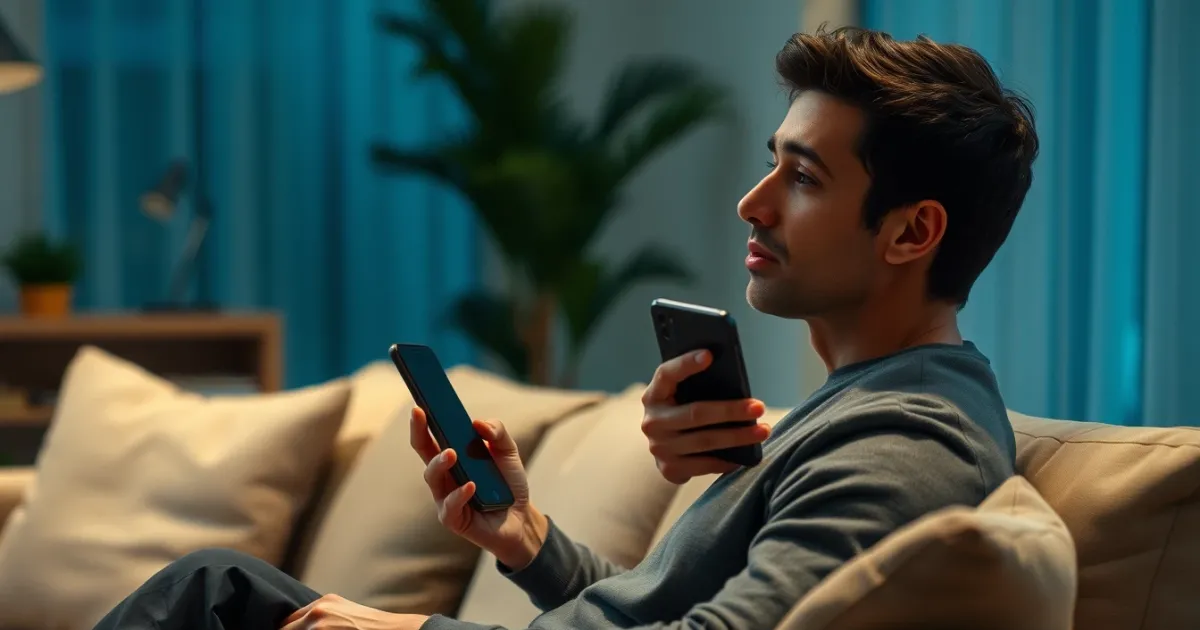
Why You Can't Receive an SMS on Tinder and How to Fix It
You can't receive an SMS code on Tinder usually because your phone number has been flagged by their automated security filters, or your carrier is blocking short-code text messages. Tinder uses aggressive algorithms to block suspicious prefixes, especially VoIP (Voice over Internet Protocol) and virtual numbers, which stops the OTP (one-time password) from ever reaching your inbox.
When you stare at a spinning loading wheel or an empty text message app while waiting to log into your dating profile, frustration sets in fast. The system tells you to wait sixty seconds, but sixty minutes later, nothing has arrived. Understanding why this happens requires looking past generic troubleshooting advice and examining how modern dating apps handle network traffic.
How to Diagnose Your Tinder SMS Problem in 30 Seconds
Before changing settings or downloading new tools, you need to find out where the breakdown happens. Is Tinder refusing to send the code, or is your phone simply rejecting it?
Open your messaging app and check if you can receive standard text messages from other automated services or banks. If other verification texts come through normally, your device and carrier are working fine. The issue lives entirely on Tinder's side or with your specific phone number format. If no short-code messages arrive from anyone, your mobile carrier has likely blocked short-code delivery or your signal is too weak to process incoming gateway traffic.
Next, check the exact error message on the screen. If Tinder displays "Failed to send code" instantly without a delay, the platform has blocked your IP address or device fingerprint. If the app lets you click send, shows a countdown timer, but the message never materializes, your specific phone number type is failing their carrier checks.
The Top Cause: Carrier Filtering and VoIP Restrictions
The primary reason users fail to receive verification texts is number type classification. Tinder's fraud detection engine queries database registries to check whether a subscriber identity module (SIM) card belongs to a traditional mobile network operator or a virtual cloud provider.
Many virtual numbers, public web-based inboxes, and cheap temporary carriers get blacklisted automatically. When you enter a number that the system categorizes as VoIP, the server might pretend to send the text, but the gateway drops it silently. You won't get an error message; you just get silence.
For users who need a reliable alternative when public or cheap virtual lines fail, PVACodes offers non-VoIP carrier options designed to pass modern platform security checks, though availability varies by region.
Carriers also enforce strict short-code filters. T-Mobile and AT&T, for instance, frequently drop automated OTPs if their spam filters detect unusual traffic volume originating from a foreign gateway. If you notice text messages arriving from friends instantly, but automated alerts take hours or vanish, carrier-level filtering is usually the culprit.
Fixing the Number Formatting Error
A simple typo in your country code or phone number will break the SMS delivery handshake entirely. Tinder relies on strict international E.164 formatting standards. If you omit the plus sign or leave a leading zero inside the area code, the automated routing gateway rejects the request before it reaches a carrier.
When entering your digits, remove any local trunk prefixes. For example, UK numbers starting with 07 must be entered as +44 7... dropping the initial zero after the country code. Miss that single step, and the message queue drops your request.
What to Do When Basic Troubleshooting Fails
If your number formatting is correct, your carrier isn't blocking short codes, and you still see nothing, you need a different approach. Waiting hours for a stalled verification code rarely works because Tinder purges unverified sessions from its queue after a short window.
Switching your network connection often helps. Turn off Wi-Fi and switch to cellular data, or vice versa. Sometimes local internet service provider routing tables block the specific server IP addresses that Tinder uses for SMS dispatch. Changing your connection forces your phone to register with a fresh data gateway.
If your primary mobile number is permanently burned or shadowbanned by the platform due to previous account flags, standard troubleshooting will not work. In these instances, relying on clean, dedicated phone number assets is the only reliable path forward to complete registration.
Frequently Asked Questions
Why does Tinder say my phone number is invalid?
This usually happens because the number format is incorrect, or the platform recognizes the prefix as a banned VoIP range. Ensure you include the correct country code without extra zeroes.
How long should I wait for a Tinder verification code?
An SMS code typically arrives within 5 to 15 seconds. If nothing arrives after two minutes, request a new code rather than waiting longer, as the previous dispatch has likely timed out.
Can I use a free online phone number for Tinder?
Public free numbers almost never work on dating apps. Because thousands of people use the same public numbers to register accounts, platforms blacklist those pools immediately.
Why did my code arrive twenty minutes late?
Delayed delivery usually points to carrier congestion or short-code filtering queues. By the time a delayed code arrives, the token has expired, forcing you to request a fresh one.
Does airplane mode help fix missing SMS codes?
Toggling airplane mode forces your phone to reconnect to the nearest cell tower, which can clear out stuck mobile queue packets and prompt delayed messages to drop into your inbox.
What should I do if my account is shadowbanned?
If your device and phone number are flagged from a previous ban, creating a new profile requires clearing app data, changing your IP address, and using a fresh, clean mobile number.
Bottom-Line Recommendation
Fixing SMS delivery issues on Tinder comes down to isolating whether your carrier, your number type, or your formatting is causing the block. Double-check your country prefix, switch from Wi-Fi to mobile data, and avoid public virtual numbers that trigger instant algorithmic rejections. If your current mobile line remains permanently flagged, switch to a verified non-VoIP alternative to complete your verification without endless delays.
Related guides
Need a number for Tinder? Get a non-VoIP number that receives the code on the first try.
Get a Tinder number