Understanding OTP Online: How One-Time Passwords Work and How to Use Them Safely
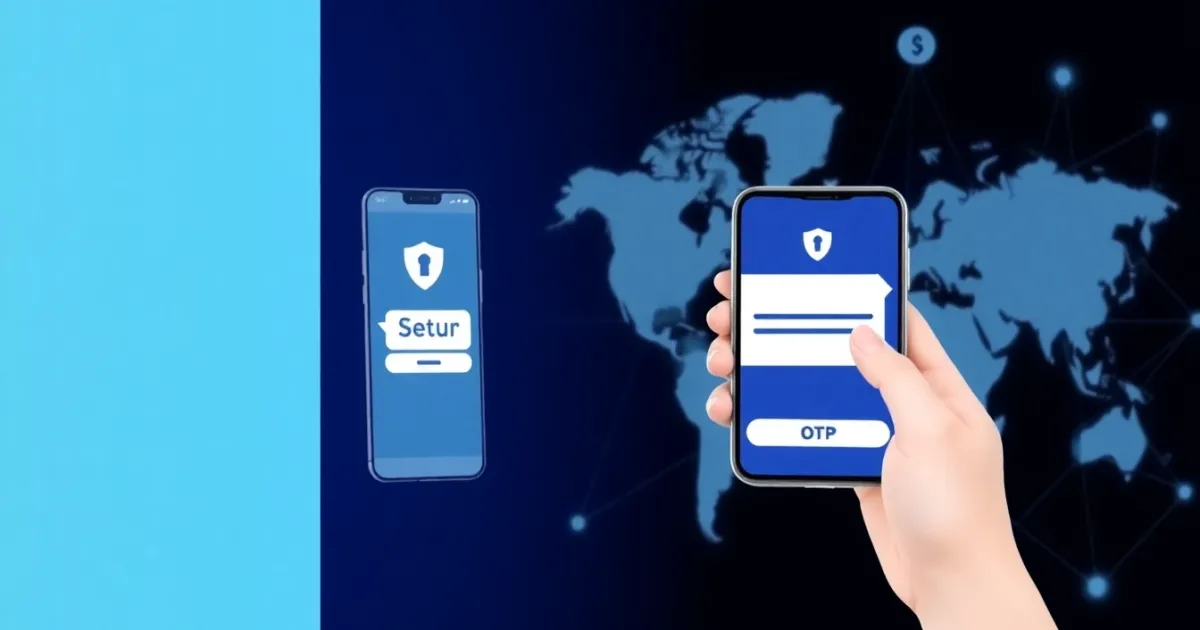
Getting an OTP online means receiving a temporary verification code via text message, email, or app to confirm your identity during a digital signup or login. These codes, known as one-time passwords, add a layer of security beyond a standard username and password by expiring after a few minutes or a single use.
Quick Answer
An OTP online is a short numeric or alphanumeric code sent to your phone or email to verify your identity for an online account. While public online numbers and temporary inboxes offer quick access for testing, they are visible to others and insecure. For sensitive accounts, always use a private phone number or dedicated authenticator app.
- Useful for account creation, app testing, and secure logins.
- Public free numbers are not private and should never be used for banking or personal email.
- Paid temporary or rental numbers offer greater privacy for specific verification tasks.
What it means / how it works
An OTP is a security code generated automatically by a system and sent to you to prove you have access to a specific communication channel, usually a mobile phone number or an email address.
The core concept behind an OTP is transience. Unlike your permanent password, which remains the same until you manually change it, an OTP is valid for a single transaction or session. It typically expires within 5 to 10 minutes. If you do not enter the code within that window, you must request a new one.
The technical workflow usually follows these steps:
- You attempt to log in or create an account on a website or mobile application.
- The platform's server generates a random numeric code.
- The server sends this code through an SMS gateway to your designated phone number or via email.
- You receive the message, read the code, and type it back into the platform.
- The platform verifies the code against its database, matches it, and grants you access.
This process is the backbone of two-factor authentication (2FA). Even if a data breach exposes your password, an attacker cannot access your account without also intercepting the temporary code sent to your device.
Practical scenarios
Users encounter the need to receive or generate an OTP online in a wide variety of everyday digital situations. Understanding these scenarios helps clarify why these verification codes are so common.
- Creating secondary social media accounts: Marketers and developers often need multiple accounts across platforms like Instagram, Twitter, or Facebook for testing campaigns, which requires separate phone verification.
- Accessing regional apps while traveling: Travelers often need to verify local delivery, transport, or banking apps using temporary local numbers when abroad.
- Protecting privacy on classified ad sites: When listing items on marketplaces like Craigslist or eBay, users may use temporary numbers to receive buyer verification codes without exposing their personal phone lines.
- Testing software development builds: QA engineers and developers regularly write automated scripts or manual checks to ensure their web apps send SMS verification codes correctly.
- Gaming and streaming registration: Gamers frequently set up secondary accounts on regional servers for games like Steam or Discord, requiring regional phone authentication.
- Bypassing VoIP restrictions on specific platforms: Some strict web services block internet-based Voice over IP numbers, requiring users to source authentic mobile-tied numbers to receive their verification codes.
- Managing temporary freelancing profiles: Contractors working across multiple global freelancing portals often set up dedicated virtual numbers to keep professional communications separate from personal lines.
- Securing crypto wallets and exchanges: Traders often use specialized authentication apps or temporary verification layers to secure fast-paced financial transactions.
Step-by-step
If you need to complete a phone verification using an online number or a temporary SMS service, following a structured approach helps prevent failed deliveries and locked accounts.
- Select a reputable service: Choose a trusted virtual number provider that offers clean numbers capable of receiving messages from the specific app or platform you are using.
- Choose the correct country and carrier type: Ensure the virtual number matches the regional requirements of the platform. Some apps require mobile-carrier numbers rather than landlines or VoIP lines.
- Copy the virtual phone number: Enter the provided phone number into the registration or verification field of the app or website requiring the OTP.
- Wait for the SMS gateway to transmit: Keep the virtual inbox page open. Most verification codes arrive within 10 to 60 seconds, though network congestion can occasionally cause delays.
- Retrieve and enter the code: Copy the code exactly as it appears in the message, paying attention to spaces or mixed alphanumeric characters.
- Complete the verification: Paste the OTP into the target platform before the expiration timer runs out to successfully authenticate your account.
Safety/privacy/legal
Using online verification tools and virtual phone numbers involves several security and privacy considerations that every user should understand.
The most important distinction in online verification is between public inboxes and private numbers. Public numbers display all incoming messages on a web page visible to anyone. Anyone else visiting that page can see your verification codes, meaning public numbers offer zero privacy. They are acceptable only for low-risk, disposable accounts where you hold no sensitive data.
For accounts that hold personal information, digital assets, or financial value, public numbers are dangerous. If a malicious actor sees your password reset code in a public inbox, they can take over the account.
Number recycling is another factor. Telecom operators eventually recycle inactive phone numbers and reassign them to new users. If an old owner used a phone number for banking or social media and let it lapse, the new owner might receive password reset codes for those old accounts. Responsible virtual number providers manage this risk carefully, but users should always update their contact details if they stop using a number.
From a legal standpoint, using virtual numbers or temporary SMS services is generally legal in most jurisdictions, provided you are not using them for fraudulent activities, identity theft, financial scams, harassment, or violating the terms of service of the platforms you interact with.
Best alternatives
Depending on your exact goals, several different methods exist for handling online verification and receiving OTP messages.
If you need quick access for a non-sensitive test, free public SMS inboxes are widely available across the web. However, their lack of privacy makes them unsuitable for anything important.
For users who need dedicated privacy without sharing their personal mobile numbers, paid virtual number providers offer a secure alternative. For instance, PVACodes provides private virtual numbers and temporary SMS solutions tailored for developers, marketers, and privacy-conscious users who need reliable code delivery across various global platforms.
Alternatively, authenticator apps like Google Authenticator, Authy, or hardware keys like YubiKey represent the gold standard for secure logins. Instead of relying on SMS—which can be vulnerable to SIM swapping—these apps generate time-based one-time passwords directly on your encrypted device.
Frequently Asked Questions
Q
What does OTP stand for?
A
OTP stands for one-time password. It is a security code that is valid for only one login session or transaction.
Q
Are free online SMS numbers safe to use?
A
No. Free online SMS numbers use public inboxes where anyone can view incoming messages. They should never be used for private accounts, banking, or sensitive emails.
Q
Why didn't my verification code arrive?
A
Codes may fail to arrive due to carrier routing issues, network delays, platform rate-limiting, or because the target app blocks certain types of virtual phone numbers.
Q
Can I use a virtual number for WhatsApp or Telegram?
A
Yes, many users utilize virtual numbers for messaging apps, but you must ensure the provider supports mobile-carrier numbers that are not blocked by the platform's anti-spam filters.
Q
How long is an OTP valid?
A
Most one-time passwords expire within 5 to 10 minutes from the time they are generated by the server.
Q
What is the difference between SMS verification and an authenticator app?
A
SMS verification sends a text message to a phone number, while an authenticator app generates offline time-based codes directly on your smartphone or device.
Q
What is a rental number?
A
A rental number is a virtual phone number leased to a user for a specific period, allowing them to receive multiple OTPs and handle repeat logins over time.
Q
Is it legal to use a virtual number?
A
Yes, using virtual numbers for privacy, testing, or managing secondary accounts is legal in most regions, provided you comply with local laws and platform terms.
Q
What should I do if my OTP code keeps failing?
A
Check for typos, wait for the timer to request a fresh code, ensure you have a stable network connection, or try a different number format if the platform rejects your current one.
Q
Can I use an online OTP number for account recovery?
A
Using a temporary or public number for account recovery is risky because if you lose access to that number, you may permanently lose access to your account.
Conclusion
Receiving an OTP online is an essential part of modern digital security, helping platforms confirm identities and protect accounts from unauthorized access. Whether you are testing software, managing secondary profiles, or protecting your personal privacy, choosing the right type of number—public, temporary, or private—makes all the difference. Evaluate your security needs, avoid public inboxes for sensitive tasks, and select reliable private solutions when handling important online accounts.