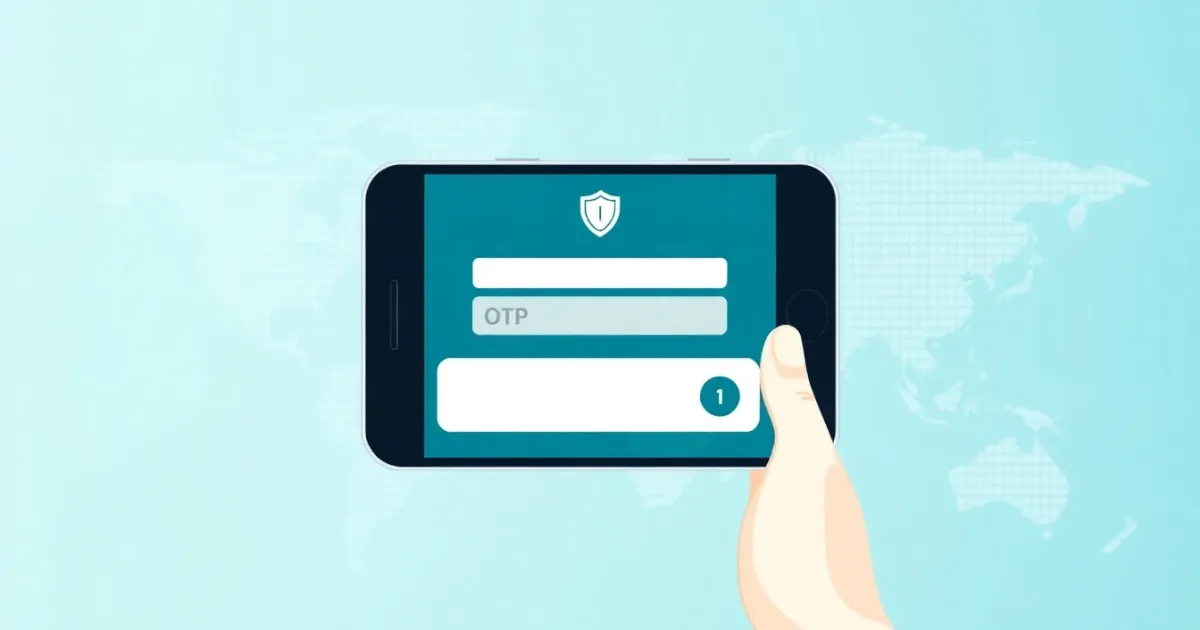
Tripadvisor SMS Verification: Why It Happens and How It Works
Tripadvisor SMS verification is a security check where the platform sends a one-time password (OTP) via text message to confirm your identity. It usually happens when you create a new account, post a review, or try to log in from an unfamiliar device.
Quick Answer
Tripadvisor uses SMS verification to block automated bots, stop fake reviews, and protect user accounts. If your verification code does not arrive, check your signal, clear network congestion, or ensure your phone number can receive international text messages. For privacy reasons, some travelers prefer alternative verification methods when they do not want to share personal phone numbers.
- Triggers include new registrations, flagged review activity, and password resets.
- Delivery delays usually stem from carrier routing or signal issues.
- Alternative virtual numbers can help protect personal privacy during account creation.
Introduction
When you use Tripadvisor to research hotels, read restaurant reviews, or share your own travel experiences, you expect a straightforward process. However, you might suddenly hit a screen asking you to enter your mobile phone number and wait for a code. This is Tripadvisor SMS verification in action.
Online platforms increasingly rely on phone verification to keep communities trustworthy. Because travel platforms deal heavily with user-generated reviews, booking inquiries, and business listings, they face a constant influx of spam accounts and automated review manipulators. Requiring a phone number creates a small barrier that helps separate genuine travelers from malicious software.
Understanding why this verification happens, what to do if it fails, and how it impacts your online privacy helps you navigate the platform without unnecessary frustration.
What it means / how it works
Tripadvisor SMS verification means the platform wants to link your digital profile to a physical telecommunications subscriber identity. The process relies on an SMS gateway that transmits a short verification code to your device.
Here is the technical flow behind the scenes:
- Trigger Event: You perform an action that Tripadvisor’s security system flags, such as creating a new account or submitting multiple reviews in a short time frame.
- Code Generation: Tripadvisor generates a random numeric code that expires after a few minutes.
- Carrier Routing: The system sends the code through an SMS gateway to global telecommunications carriers.
- Delivery: Your mobile carrier receives the text and displays it on your phone screen.
- Validation: You type the code back into the Tripadvisor interface, confirming that you control the device associated with that number.
This verification acts as a gatekeeper. It does not mean you are paying for anything; it simply proves you are a human being with access to a functioning phone line.
| Verification Stage | What Happens | Common Issue |
|---|---|---|
| Trigger | System requests phone number | Number already linked to another account |
| Dispatch | OTP sent via SMS gateway | Carrier filtering or delayed routing |
| Reception | User reads text message | Weak signal or blocked shortcodes |
| Input | User enters code on screen | Code expiration due to slow typing |
Practical scenarios (6-10 bullets)
You might encounter Tripadvisor phone verification in several common situations:
- Creating a new traveler profile: Signing up for a new account from a public Wi-Fi network or a new browser often triggers an immediate phone check to ensure you are not a bot creator.
- Publishing your first review: If you write a review for a hotel or restaurant, Tripadvisor may ask for your phone number before publishing it to verify that real people are sharing genuine travel feedback.
- Recovering a forgotten password: If you lose access to your account and try to reset your login credentials, the platform will text a code to your registered number to confirm ownership.
- Updating sensitive account details: Changing your email address, billing information, or linked social media logins can prompt a security challenge.
- Suspected suspicious activity: Logging into your account from a different country or using a VPN can cause Tripadvisor to flag the session as unusual and demand secondary authentication.
- Managing a business listing: Owners claiming a hotel, tour, or restaurant page must verify their identity and business contact details to prevent fraudulent ownership claims.
- Resolving review disputes: If a business challenges your review or Tripadvisor flags your content for further inspection, they may require phone verification to reinstate the post.
Step-by-step
If you need to complete the verification process or troubleshoot a missing code, follow these practical steps:
- Enter your correct country code: Select your country from the drop-down menu so the system applies the proper international dialing prefix.
- Input your mobile number: Type your phone number without leading zeros or unnecessary punctuation. Ensure you use a mobile line rather than a landline that cannot receive text messages.
- Request the verification code: Click or tap the button to send the SMS. Wait patiently without spamming the request button, as multiple rapid requests can lock you out temporarily.
- Check your messages: Open your text message inbox. Look for a message containing a 4-digit or 6-digit code from Tripadvisor.
- Enter the code promptly: Type the numbers into the on-screen box before the timer expires. Most verification codes last between 5 and 10 minutes.
- Troubleshoot if nothing arrives: If the code does not appear within two minutes, check your device's blocked message list, toggle airplane mode on and off to refresh your network connection, or restart your phone.
Safety/privacy/legal
Sharing your phone number online always carries privacy considerations. When you give your mobile number to Tripadvisor, you connect your real-world identity to your digital travel history, saved itineraries, and public reviews.
Major platforms like Tripadvisor have strict privacy policies regarding how they handle user data. They generally use your phone number exclusively for account security, spam prevention, and critical service notifications. They do not publish your phone number publicly on your profile.
However, privacy-conscious users often prefer not to link their personal mobile numbers to every online service they use. Data breaches, unwanted marketing calls, and cross-platform data tracking remain valid concerns in the modern digital landscape. For casual users who only want to leave a single review or check hotel ratings without exposing their personal contact details, permanent phone linkage can feel overly intrusive.
This is why alternative verification methods, such as temporary or virtual numbers, have gained popularity among privacy-minded internet users worldwide.
Best alternatives
If you prefer not to use your personal mobile number for Tripadvisor SMS verification, you have a few options depending on your goals.
Some users try free public SMS inboxes found online. While these public numbers are free, they are visible to anyone on the internet. Anyone else can view the incoming messages in the public feed, making them completely unsecure for personal account verification.
For individuals who want privacy without the risks of public forums, paid virtual numbers and dedicated SMS solutions provide a safer alternative. For users who need a private option instead of a public inbox, PVACodes can be considered as one SMS verification solution, depending on the country, app, and current availability.
When evaluating alternatives, consider whether you need a one-time code for a single registration or a rental number for ongoing account recovery and future logins.
Frequently Asked Questions
Why is Tripadvisor asking for my phone number?
Tripadvisor asks for your phone number to verify your identity, prevent automated spam bots, and reduce fake reviews on their travel platform.
Is Tripadvisor SMS verification free?
Yes, receiving a verification text from Tripadvisor is free. However, your mobile carrier's standard text messaging rates may apply if you are receiving international messages.
What should I do if the verification code does not arrive?
Check your cell signal, ensure your phone can receive international text messages, clear your message storage space, and wait a few minutes before requesting a new code.
Can I use a landline phone number for Tripadvisor?
No, landline phones cannot receive SMS text messages. You must use a valid mobile phone number that supports text message delivery.
Does Tripadvisor make my phone number public?
No, Tripadvisor keeps your phone number private. It is used strictly for account security and verification purposes and will not appear on your public profile.
Why am I getting verification codes when I did not request them?
If you receive unexpected codes, someone may have typed your phone number by mistake while trying to sign up, or someone might be attempting to access your existing account.
Will VoIP or virtual numbers work on Tripadvisor?
Tripadvisor's security filters sometimes block certain virtual or VoIP numbers if they detect automated traffic. Standard mobile numbers usually have the highest success rate.
How long is the Tripadvisor verification code valid?
Most verification codes expire after 5 to 10 minutes for security reasons. If it expires, you must request a fresh code from the platform.
Can I delete my phone number from Tripadvisor after verification?
Once a phone number is linked to verify an account, platforms often require a registered contact method for security recovery. Check your account settings for current options.
What happens if I fail the verification process multiple times?
If you request too many codes in a short period, Tripadvisor may temporarily lock your IP address or phone number from receiving further verification attempts for a few hours.
Conclusion
Tripadvisor SMS verification is a standard security measure designed to protect the integrity of travel reviews and user accounts. While it can occasionally cause minor delays if your text message does not arrive immediately, understanding how the process works helps you resolve issues quickly. Whether you complete the check with your personal mobile phone or choose a private virtual number solution, being prepared ensures your travel planning and review writing proceed without interruption.
Need a number for TripAdvisor? Get a non-VoIP number that receives the code on the first try.
Get a TripAdvisor number