McDonald's SMS Verification: How It Works and What to Do When Codes Fail
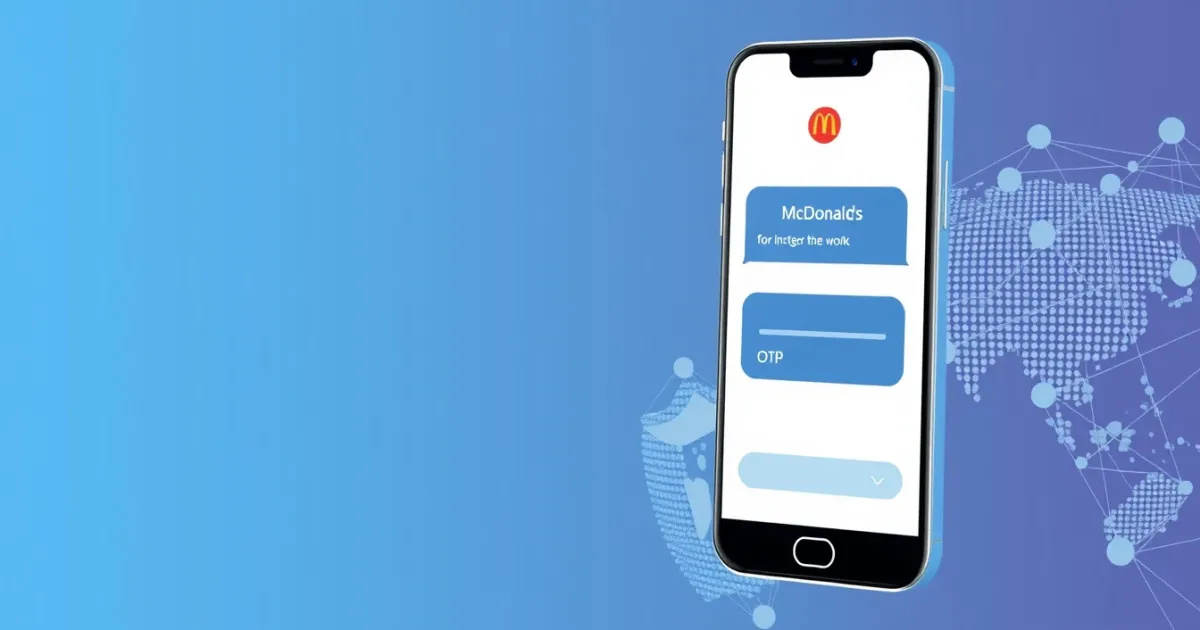
McDonald's SMS verification is a security check used by the McDonald's mobile app to confirm your phone number when you create an account, log in, or claim certain app-exclusive deals. When you enter your phone number, McDonald's sends a one-time password (OTP) via text message. You must enter this code on your screen to complete the verification process before you can access rewards or place mobile orders.
Quick Answer
McDonald's uses SMS verification to protect user accounts, prevent automated reward abuse, and secure digital payments. If your verification code does not arrive, check your cellular signal, clear blocked messages, ensure your number is not a VoIP format that the app blocks, or request a new code after waiting a few minutes.
- Requires a working mobile number capable of receiving short-code SMS
- VoIP or free public numbers often fail due to app security filters
- Contact official customer support if your valid number remains blocked
What it means / how it works
SMS verification acts as a digital bridge between your mobile device and the McDonald's authentication system. In technical terms, when you submit your phone number to the app, the system triggers an SMS gateway to dispatch a unique verification code through telecommunication networks.
This process relies on short codes—special five- or six-digit phone numbers operated by messaging aggregators. Major restaurants, banks, and retail platforms use short codes because carriers prioritize them for high-volume delivery. Once your phone receives the short-code message, the app either reads it automatically if permitted by your operating system's permissions, or you type it manually into the field.
The primary purpose of this check is security and account integrity. By tying an account to a real mobile phone number, McDonald's minimizes fraudulent registrations, stops automated bots from harvesting daily deals, and protects user data. It also ensures that if you lose access to your password, you can recover your account using your verified phone number.
Practical scenarios
- Setting up a new McDonald's account for the first time on your smartphone.
- Logging into your existing account on a newly purchased device or after reinstalling the app.
- Updating your registered contact details or phone number inside your account profile settings.
- Claiming high-value promotional offers, free fries coupons, or seasonal rewards that require active verification to prevent multi-account abuse.
- Recovering a locked account after entering an incorrect password too many times.
- Linking a new debit card, credit card, or digital wallet for contactless mobile ordering and curbside pickup.
- Switching between different regional McDonald's apps when traveling internationally, which often triggers a new regional phone verification.
- Troubleshooting persistent sign-in loops where the app requests repeated verification checks due to security flags.
Step-by-step
If you need to complete your phone verification within the McDonald's app, follow this standard sequence to ensure success and avoid common snags:
- Download and open the official McDonald's application from the Apple App Store or Google Play Store.
- Navigate to the account creation or login screen and select the option to sign up or sign in using your mobile number.
- Type your active mobile phone number into the input field, making sure you select the correct country code if prompted.
- Tap the button to send the verification code and keep the app open on your screen.
- Wait up to 60 seconds for the short-code message to arrive in your device's native messaging inbox.
- Retrieve the code—typically a 4-digit or 6-digit number—and type it carefully into the designated verification boxes.
- Press submit to finalize your phone verification and proceed to your app dashboard or rewards menu.
Safety/privacy/legal
Sharing your phone number with a major fast-food chain involves data privacy considerations. When you complete SMS verification, McDonald's stores your phone number in their database to manage your loyalty points, order history, and marketing preferences.
Legitimate apps like McDonald's operate under privacy policies that dictate how they handle your personal data. However, providing your real mobile number means you may receive promotional push notifications, text messages, or email offers if you opt into marketing communications. You can usually adjust these notification preferences inside your account settings.
From a security standpoint, keeping your phone number tied to your account prevents unauthorized users from hijacking your loyalty points or spending stored payment methods. Always download the McDonald's app directly from official app stores rather than third-party APK sites to ensure malicious actors are not intercepting your verification details.
Best alternatives
Sometimes users encounter strict verification walls, carrier filtering issues, or privacy concerns that make them hesitant to use their personal mobile number for every app download. When personal numbers are not ideal, or when testing account workflows across different regions, alternative solutions are sometimes explored.
For users seeking specialized privacy solutions or alternative verification pathways—such as developers testing app onboarding flows or individuals managing specific digital accounts—platforms like PVACodes offer virtual phone number services designed to handle online SMS reception and OTP verification across various global platforms.
Keep in mind that major restaurant and financial apps frequently block virtual or VoIP-based numbers to prevent fraudulent activity. Traditional mobile carrier numbers remain the most reliable choice for successfully passing strict verification checks on mainstream retail apps.
Frequently Asked Questions
Why is my McDonald's verification code not arriving?
Verification codes can fail to arrive due to weak cellular signal, carrier filtering of short-code messages, temporary app server outages, or entering an incorrect phone number format. Wait a couple of minutes before requesting a new code.
Can I use a landline number for McDonald's SMS verification?
No. Landline numbers cannot receive standard SMS text messages unless they have a landline-to-text conversion service enabled, which most app verification gateways do not support.
Does McDonald's accept VoIP numbers?
McDonald's security systems often block VoIP numbers, internet-based burner numbers, and virtual numbers to prevent automated bot signups and reward fraud. Standard mobile carrier numbers work best.
How many times can I request a verification code?
Most apps impose a rate limit—usually 3 to 5 requests within an hour—to prevent system spam. If you exceed this limit, you must wait up to 24 hours before attempting verification again.
What should I do if my number is already registered to another account?
If your number is tied to an older account you no longer access, use the password recovery feature to regain control of that account, or contact McDonald's customer support to release the number.
Are McDonald's verification codes case-sensitive?
No. McDonald's verification codes consist strictly of numeric digits. You do not need to worry about uppercase or lowercase letters when typing the code.
Why does the app keep asking for verification repeatedly?
Frequent verification requests usually happen if you clear your app cache, log in from multiple devices, use a VPN that alters your IP address, or trigger automated security flags on your network.
Is it safe to verify my phone number on the McDonald's app?
Yes, as long as you are using the official app downloaded from certified app stores. McDonald's uses standard encryption to protect user data and verification records.
Can I delete my phone number from my McDonald's account later?
You can update or change your contact details in your profile settings, but deleting your phone number entirely usually requires closing your McDonald's account due to app security requirements.
What carrier networks work best for receiving OTPs?
Major mobile network operators—such as AT&T, Verizon, T-Mobile, and international equivalents—provide the highest delivery success rate for short-code verification messages.
Conclusion
McDonald's SMS verification is a standard security measure designed to protect your account, secure your payment methods, and safeguard loyalty rewards. While delivery delays or carrier blocks can occasionally disrupt the process, ensuring you use a standard mobile number and checking your signal strength usually resolves most issues. If problems persist, waiting out rate limits or contacting support will help you access your account safely.