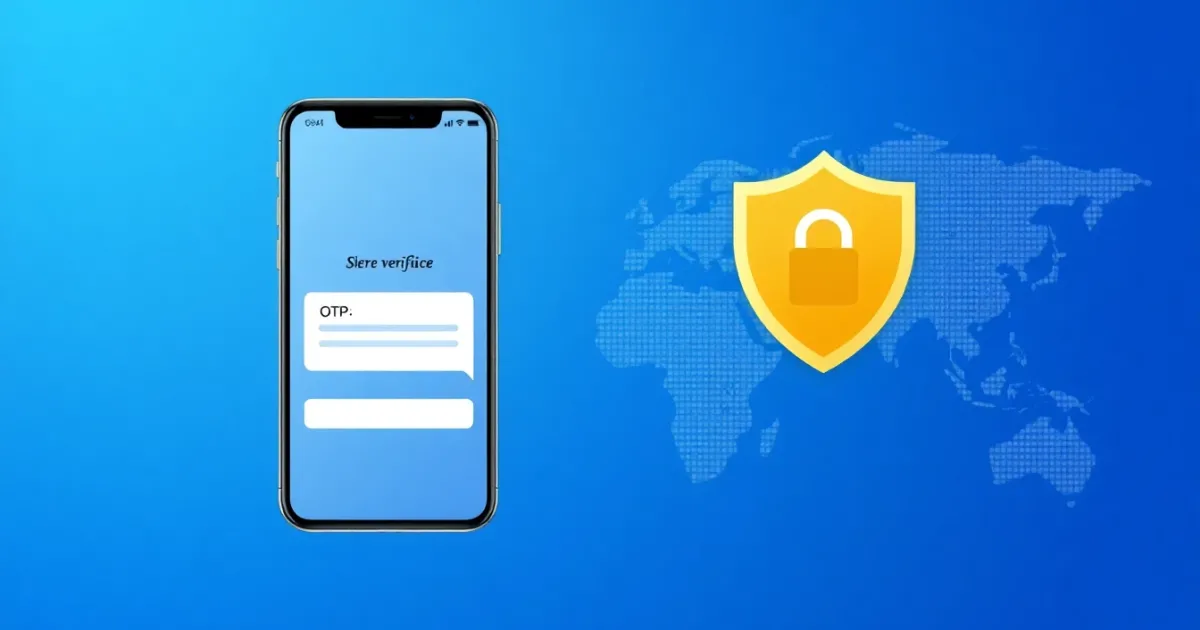
How to Use a Virtual Phone Number for a Google Account
A virtual phone number for a Google account is an online-based phone number that lets you receive SMS verification codes, voice calls, or text messages from Google without revealing your personal mobile number. It is useful for separating work and personal accounts, setting up secondary profiles, or managing accounts in regions where local SIM cards are inconvenient, but Google's strict security filters sometimes block certain VoIP or public numbers during verification.
Quick Answer
You can use a virtual phone number to verify a Google account if the number supports SMS reception and passes Google's carrier checks. While free public inboxes are rarely accepted, private virtual numbers work for many users. However, if you lose access to a temporary number, account recovery can become difficult or impossible.
- Accepts incoming SMS messages or OTP codes
- Must pass Google's non-VoIP carrier filters
- Requires caution regarding account recovery
Introduction
Creating or managing a Google account often requires phone verification. Whether you are setting up a new Gmail inbox, securing your workspace, or verifying identity on a secondary device, Google typically asks for a phone number to send a verification code via SMS or voice call.
For privacy reasons, convenience, or international accessibility, many users look for an alternative to their personal SIM card. This is where virtual phone numbers come in. Instead of tying your account to your daily smartphone, you use a cloud-based number that receives verification codes through a web browser or app dashboard.
However, Google has robust security measures designed to detect and block suspicious or disposable phone numbers. Knowing how virtual numbers work, which types are accepted, and how to protect your account from permanent lockout will save you time and frustration.
What it means / how it works
A virtual phone number is a telephone number that is not directly tied to a physical telephone line or a specific physical SIM card inserted into a mobile device. Instead, calls and text messages are routed over the internet using Voice over Internet Protocol (VoIP) or cloud-based telecommunication infrastructure.
When you enter a virtual phone number into the Google account creation or sign-in page, Google's system triggers an automated process:
- Number Validation: Google checks the number against a database to determine its carrier type (mobile, landline, or VoIP).
- Code Generation: If the number format is accepted, Google generates a one-time password (OTP) and sends it through an SMS gateway.
- Delivery: The SMS message travels through carrier networks and lands in your virtual number's online dashboard or inbox.
- Verification: You retrieve the code from your dashboard and type it back into Google to complete the verification step.
The main challenge with Google accounts is that Google frequently updates its security filters. Free public SMS websites use numbers that are heavily flagged and blocked by major tech platforms. To successfully receive verification codes, users often rely on private, non-VoIP, or rental numbers that behave more like traditional mobile carriers.
Practical scenarios
- Managing freelance client work: Creating a dedicated Google Workspace or Drive account for a specific freelance project without sharing your personal phone number with clients.
- Protecting personal privacy: Signing up for secondary services, business listings, or public Google reviews without exposing your real mobile number to potential spam or data brokers.
- Traveling or living abroad: Accessing region-locked Google services or creating localized accounts while staying outside your home country.
- Testing software and apps: Developers and QA testers needing multiple Google accounts to test app integrations, OAuth logins, or developer console settings.
- Preventing SIM-swap risks: Using a secondary virtual verification method rather than a primary personal mobile line for low-risk online profiles.
- Organizing family projects: Setting up a shared family Google account for household smart devices, calendars, or media libraries without tying it to one person's cellular number.
- Avoiding carrier charges: Receiving international verification messages without incurring expensive roaming or cross-border texting fees from a local mobile operator.
Step-by-step
If you need to link a virtual phone number to your Google account for verification or two-factor authentication (2FA), follow these general steps:
- Select a suitable virtual number provider: Choose a provider that offers reliable SMS reception and supports the country code you require. Ensure the number type is compatible with major platform verifications.
- Acquire the number: Complete any necessary registration on your chosen platform and secure your virtual phone number in your active dashboard.
- Go to Google Account settings: Navigate to your Google Account management page, security settings, or start a new account registration page.
- Enter the virtual number: When prompted for a phone number, select the correct country prefix and enter your virtual phone number. Make sure not to include the country code twice if the form has a separate country dropdown menu.
- Request the verification code: Choose whether you prefer to receive an SMS text message or an automated voice call, then click send.
- Retrieve the OTP code: Open your virtual number provider's dashboard or inbox. Wait a few moments for the SMS message to arrive and copy the verification digits.
- Confirm the verification: Paste the code into the Google verification prompt and submit it to link the number to your account.
Safety/privacy/legal
Using a virtual phone number for a Google account involves important security, privacy, and platform compliance factors that you should consider before proceeding.
First, privacy varies significantly depending on the type of number you choose. Free public SMS websites allow anyone on the internet to view incoming messages. If you use a public number for a Google account, strangers could potentially see your recovery codes, access your inbox, or reset your password. Always use a private, password-protected virtual number for any personal or business account.
Second, account recovery is a major risk. If you use a temporary or short-term virtual number that expires or gets recycled after a few days, you will lose the ability to receive future security prompts. If Google later triggers a suspicious login check or a password reset, you may be permanently locked out of your account. For long-term accounts, rental numbers or dedicated numbers are much safer.
Third, from a legal and platform standpoint, using virtual numbers is generally permitted for privacy, but violating Google's Terms of Service by creating automated bot accounts, spamming, or bypassing abuse prevention filters can lead to immediate account suspension. Always use virtual numbers for legitimate account management and personal privacy rather than unauthorized mass account creation.
Best alternatives
When searching for a virtual phone number to verify a Google account, you will encounter several different options ranging from free public lists to dedicated paid services.
Free public web portals are widely available, but they are rarely successful for Google verification because the numbers are quickly flagged, blocked, or reused by hundreds of other users. They offer zero privacy and should be avoided for any account you intend to keep.
For users who need a private, reliable option without exposing their personal SIM card, PVACodes provides dedicated SMS verification solutions across various countries and applications. Depending on whether you need a one-time verification or a longer rental period to handle repeat logins, choosing a structured provider helps avoid the common pitfalls of dead or overloaded public phone numbers.
Another alternative is using a secondary physical SIM card or a prepaid eSIM. While this gives you absolute compatibility with Google, it requires compatible hardware, local carrier registration, and ongoing maintenance.
Frequently Asked Questions
Can I use a free virtual number for a Google account?
You can try, but it rarely works. Google's automated security filters block most free public virtual numbers because they are heavily abused by spammers. Furthermore, public numbers expose your verification texts to anyone viewing the public inbox.
Why is Google saying my phone number cannot be used for verification?
Google rejects numbers that it identifies as VoIP, landline, or numbers that have been used too many times for account creation. If your virtual number is flagged, you will need to try a different number type or provider that supports non-VoIP carrier routing.
What happens if my temporary virtual number expires?
If your virtual number expires and you no longer have access to it, you will not be able to receive future SMS verification codes, two-factor authentication prompts, or password recovery links. This can result in permanent loss of access to your Google account.
Can I use a virtual phone number for 2FA on Google?
Yes, if the virtual number successfully receives the initial setup SMS. However, relying on a short-term number for permanent two-factor authentication is risky. If the number stops working, you could get locked out of your Google account.
Are virtual phone numbers legal to use with Google?
Yes, using a virtual phone number for privacy or business management is legal in most jurisdictions and does not violate any laws. However, using virtual numbers to create fake accounts for fraud, harassment, or spam violates Google's Terms of Service.
How do I receive voice calls on a virtual number for Google verification?
Many virtual number platforms support both SMS text messages and incoming voice calls. If Google offers a phone call verification option, ensure your virtual number dashboard supports audio playback or live call answering to hear the automated spoken code.
Can I use the same virtual number for multiple Google accounts?
Google places limits on how many accounts can be linked or verified using a single phone number. If you attempt to verify too many accounts with one number, Google will flag the number as suspicious and block further verifications.
What is the difference between a temporary number and a rental number?
A temporary number is typically used once for an instant verification code and expires quickly. A rental number allows you to keep the same virtual number active for days, weeks, or months, giving you continuous access to incoming SMS messages and repeat login codes.
What should I do if the Google verification code does not arrive?
Wait a few minutes to check for carrier delays, ensure you entered the country code and phone number correctly, and verify that your virtual number inbox is active. If the code still does not arrive, request a new code or try a different number provider.
How can I secure my Google account if I use a virtual number?
Always add alternative recovery options such as a backup email address, download your offline backup 2FA codes, and avoid using public free numbers. If possible, use a rental number so you retain ongoing access to future security prompts.
Conclusion
Using a virtual phone number for a Google account is a practical way to protect your personal privacy, manage secondary projects, or handle international verifications without exposing your primary SIM card. However, because Google actively screens against VoIP and disposable numbers, success depends entirely on choosing the right type of number and provider. Avoid public inboxes, plan for account recovery, and select private rental or verification numbers to keep your Google accounts secure and accessible.
Need a number for Google? Get a non-VoIP number that receives the code on the first try.
Get a Google number