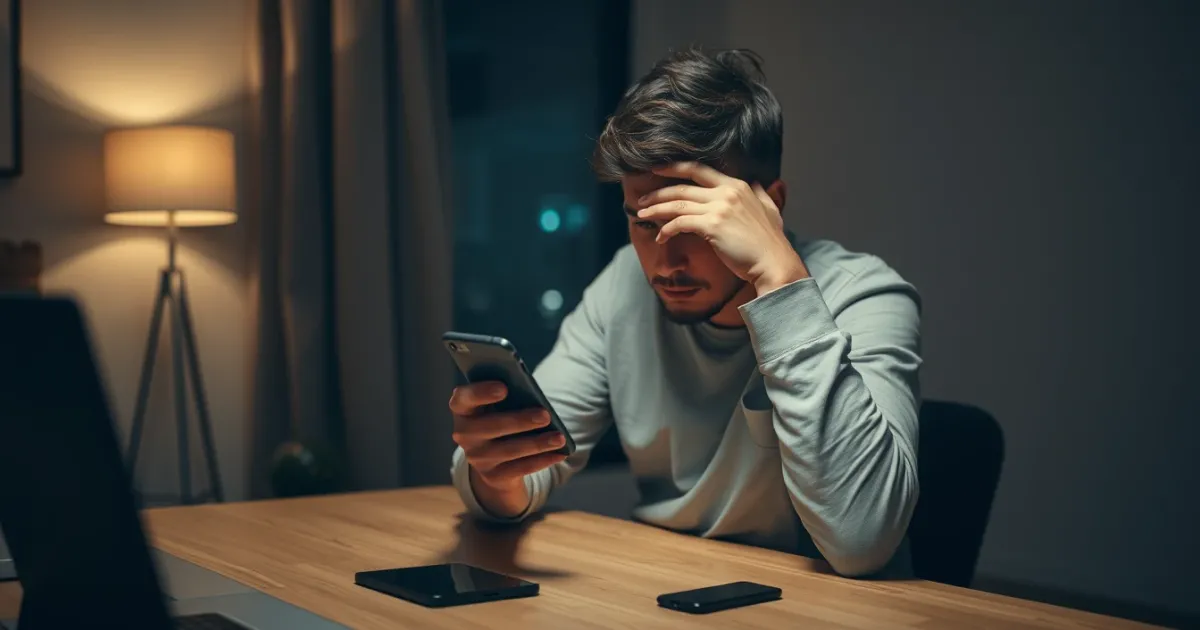
Aol Not Sending Verification Code: Why It Happens and How to Fix It
If AOL is not sending your verification code, the problem usually stems from aggressive spam filters blocking automated short-code messages, an outdated backup email address, or carrier-level gateway blocks. When you are locked out of your inbox because an SMS verification code or one-time password (OTP) fails to arrive, the delay can grind your day to a halt.
Before you panic about a hacked account or permanent lockout, let's look at the reliable fixes, the underlying reasons for missing messages, and how alternative communication lines handle security prompts when your primary provider drops the ball.
Quick answer
AOL typically fails to send verification codes due to carrier message filtering, full phone storage, or incorrect country code selections during account recovery. Fix it by checking your mobile carrier's short-code block list, toggling airplane mode to reset network registration, or switching to an alternate recovery method like a secondary email address.
Fixing the Problem: Scenarios, Options, and Trade-offs
When you are stuck staring at a blank screen waiting for an AOL security code, your recovery path depends on why the delivery failed. The table below outlines the primary methods for solving OTP delivery failures, ranked by success rate and speed.
| Recovery Scenario | Primary Method | Success Rate | Main Catch |
|---|---|---|---|
| Carrier short-code blocking | Contact mobile carrier support to unblock short-codes | High | Requires waiting on hold with customer service. |
| Network routing delay | Toggle airplane mode / restart phone | Medium | Only works if the signal dropped mid-transmission. |
| VoIP carrier rejection | Switch from internet-based number to standard mobile line | High | Many security platforms reject virtual numbers entirely. |
| Account recovery loop | Use secondary email or trusted device prompt | Medium | Requires you to have set up backup recovery methods beforehand. |
Let's examine how each of these scenarios plays out in practice, along with the hidden friction points most troubleshooting guides ignore.
1. Carrier Short-Code Filtering and Gateway Blocks
Major mobile carriers use automated spam filters that frequently catch automated authentication messages by mistake. If your provider flags the sending gateway as suspicious, the text message vanishes before hitting your inbox. You won't even receive a failed delivery receipt.
To check if this is happening, text "HELP" or "START" to a known short-code service, or check your carrier account dashboard for blocked numbers. If your carrier enforces a strict spam blocking policy, you may need to call support and explicitly ask them to allow commercial short-codes.
Who should skip this: Anyone who needs immediate access right now. Carrier support queues can take hours, making this a poor choice if you are in a rush.
2. Network Routing Glitches and Signal Desync
Sometimes the issue is simply that your phone has lost its connection to the local cell tower's SMS routing table. If your device has been powered on for weeks without a reboot, cached network profiles can corrupt incoming data packets.
Turning on airplane mode for thirty seconds forces your phone to drop its current cell tower connection and rehandshake with the nearest mast. Once you turn airplane mode off, pending SMS messages often flood in all at once.
Candid downside: This will do nothing if the blocking is happening upstream on AOL's end or at the gateway level. It only fixes local device desync.
3. VoIP and Virtual Number Incompatibility
If you are trying to receive an AOL verification code on a virtual phone number or a temporary internet line, the system may be silently dropping the transmission. Platforms like AOL implement strict security screening to prevent automated account creation. They frequently block known VoIP prefixes outright.
When platforms detect a non-mobile prefix, the automated system might display a generic "Code sent" message on your screen even though no message was ever dispatched to the network. This deceptive UI pattern leaves users waiting indefinitely for a text that will never arrive.
For users who manage multiple accounts or require secondary contact points for various online services, understanding how different platforms handle alternative numbers is essential. When dealing with strict verification requirements across the web, exploring options like PVACodes can help clarify why certain numbers succeed while public or low-tier alternatives fail.
Common Failure Modes You Might Encounter
Recognizing the exact symptom can save you hours of trial and error. Here are the most frequent roadblocks users hit when AOL fails to send verification codes.
- The silent drop: The screen says "We've sent a code," but your phone remains completely silent for over ten minutes. This usually indicates an upstream gateway rejection or carrier spam filter.
- The delayed trickle: Codes arrive fifteen minutes later, long after the authentication window has expired and the code has become invalid. This happens when cellular congestion causes queue backpressure.
- The unsupported number error: The interface refuses to accept your phone number format entirely, often rejecting regional prefixes or landline numbers that cannot receive SMS text data.
Frequently Asked Questions
Why does AOL say it sent a code, but nothing arrives?
AOL's system triggers a confirmation message on your screen as soon as the request hits their outbound API queue. If the receiving carrier's spam filter blocks the message or your phone lacks signal, the text disappears before reaching your device.
Can I verify my AOL account using an email address instead of a phone number?
Yes, if you previously added a secondary recovery email address to your account settings. Look for the "Try another way" or "I don't have this phone" prompt during the verification screen to trigger an email-based OTP.
How long should I wait before requesting a new AOL verification code?
Wait at least two full minutes before clicking resend. Requesting multiple codes in rapid succession often causes the security system to lock your IP address or temporarily suspend the phone number for spam prevention.
Why do temporary or virtual numbers fail to receive AOL verification codes?
Automated security algorithms maintain blacklists of known VoIP and virtual carrier pools. Because these ranges are frequently abused for automated bot registration, mainstream platforms block them to protect user security.
What should I do if my phone number is registered to a different old account?
AOL typically restricts a single mobile number from being attached to an excessive number of active accounts simultaneously. If your number is tied to an old, forgotten profile, you must recover that legacy account first to release the number.
Is there a customer service phone number to call for AOL account lockouts?
AOL does not offer a direct, reliable public telephone helpline for free consumer account recovery. Most official support is handled through their online help community, automated virtual assistants, or premium subscription support tiers.
Final Recommendations
Resolving an AOL code delivery failure usually comes down to eliminating variables one by one. Start by checking your carrier's short-code settings and rebooting your device to clear out any local network lag. If you are stuck using an incompatible virtual line, switch to a traditional mobile number or fall back to your backup recovery email to regain access without further delay.
Related guides
Need a number for AOL? Get a non-VoIP number that receives the code on the first try.
Get a AOL number