
5 Essential Steps for Safe Online Account Creation
5 Essential Steps for Safe Online Account Creation
Creating online accounts has become a daily activity for most of us. Whether you need access to a new shopping site, social media platform, or business tool, you are constantly signing up for services. But each new account also creates a potential security risk if not handled properly. This guide walks you through five practical steps to protect your personal information and maintain control over your digital identity. These strategies will help you create accounts safely while avoiding common pitfalls that leave your data vulnerable.
- Use Temporary Phone Numbers for Verification
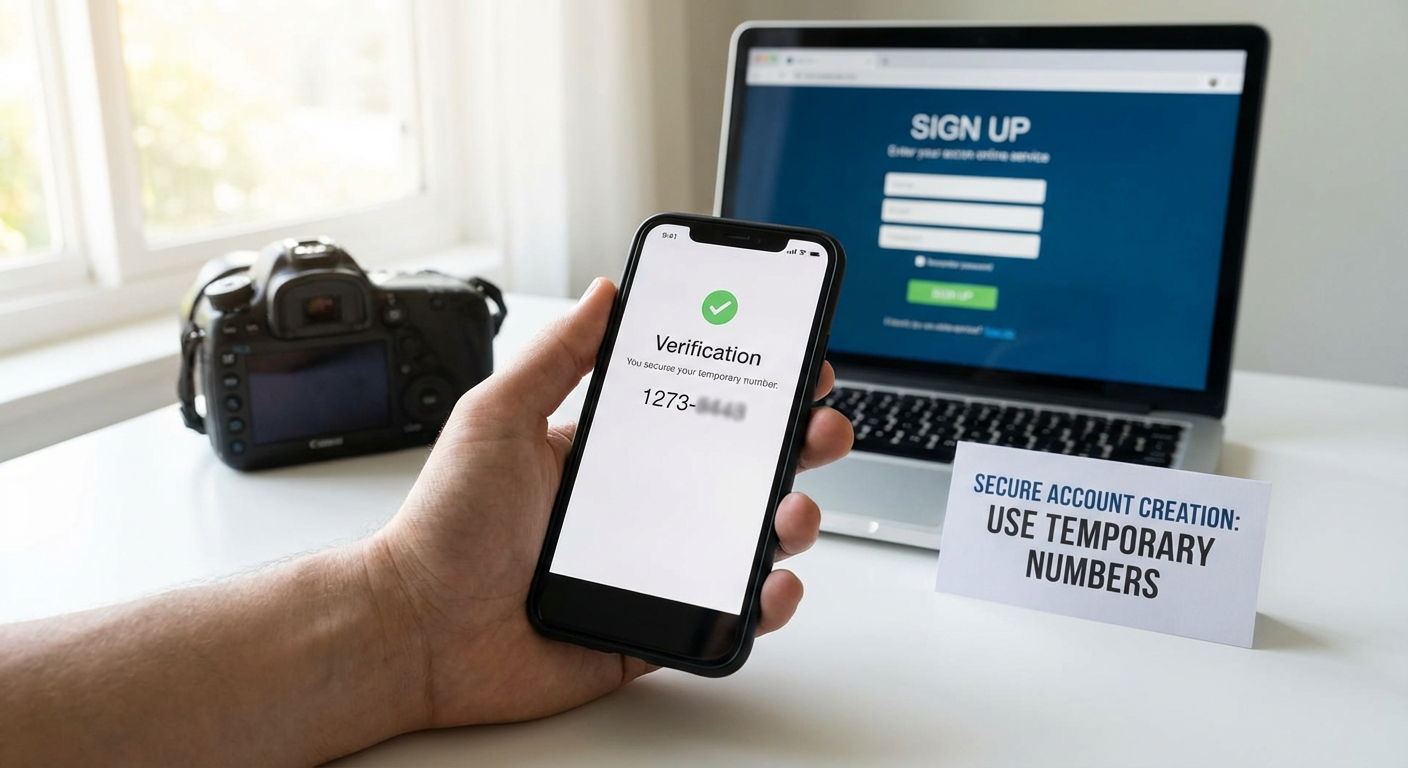
Most platforms now require phone number verification when you create an account. While this adds a layer of security for the service, it also means your real phone number gets stored in multiple databases. Once your number is out there, it can be sold to marketers, exposed in data breaches, or used to track your activity across different platforms.
This is where services like PVACodes become valuable. PVACodes provides temporary phone numbers specifically for account verification purposes. You receive a real number that can accept SMS verification codes, but it is not tied to your personal phone. After you complete the verification process, you can discard the number without worrying about future spam or security risks.
Using temporary numbers is particularly smart when signing up for services you are not sure you will keep long term. It gives you the freedom to test new platforms without committing your personal contact information. You maintain better control over who has access to your real phone number, which reduces your overall exposure to privacy violations and unwanted contact.
- Create Strong, Unique Passwords for Every Account
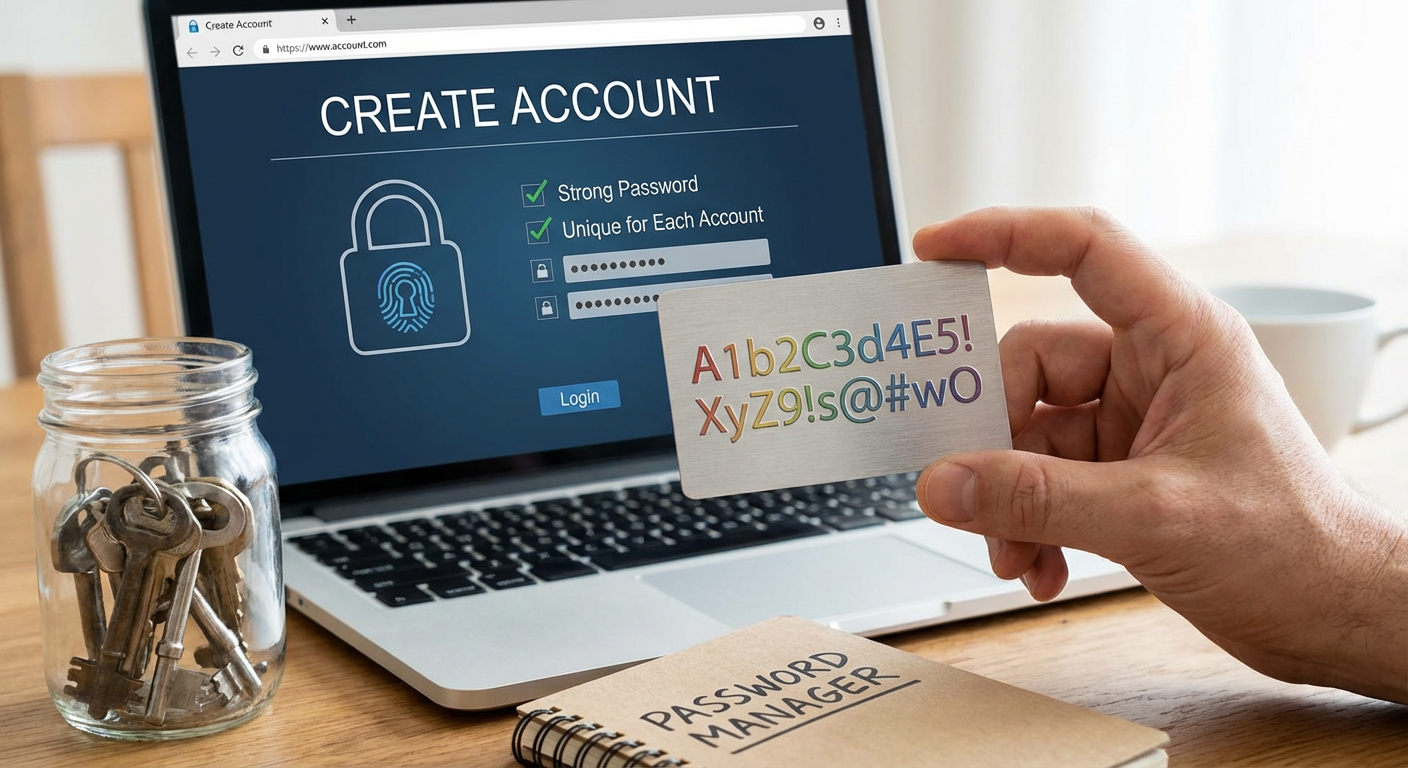
Password reuse is one of the biggest security mistakes people make online. When you use the same password across multiple sites, a breach at one service compromises all your other accounts. Hackers know this, and they routinely test stolen credentials on popular platforms to see what else they can access.
A strong password should be at least 12 characters long and include a mix of uppercase letters, lowercase letters, numbers, and symbols. Avoid using obvious patterns like "Password123" or personal information like birthdays and pet names. These are the first things attackers try when attempting to break into accounts.
The best approach is to use a password manager to generate and store complex passwords for each account. These tools create random strings of characters that are virtually impossible to guess, and they remember everything for you so you only need to recall one master password. Popular options include Bitwarden, 1Password, and KeePassXC. With a password manager, you can have hundreds of accounts with completely different passwords without the mental burden of remembering them all.
- Enable Two-Factor Authentication Whenever Possible
Two-factor authentication, often abbreviated as 2FA, adds an extra layer of protection beyond your password. Even if someone manages to steal or guess your password, they still cannot access your account without the second verification step. This makes your accounts significantly more secure with minimal extra effort.
The most common form of 2FA involves receiving a code via text message or through an authentication app. When you log in, you enter your password as usual, then provide the temporary code to prove it is really you. Authentication apps like Google Authenticator, Authy, or Microsoft Authenticator are generally more secure than SMS codes because they are not vulnerable to SIM swapping attacks.
Some services also offer hardware security keys, which are small physical devices you plug into your computer or tap against your phone. These provide the highest level of security because an attacker would need physical possession of the key to access your account. While not necessary for every account, hardware keys are worth considering for your most sensitive accounts like email, banking, and password managers.
- Be Selective About the Information You Share
Account creation forms often ask for more information than they actually need. Companies collect extra data for marketing purposes, to build user profiles, or simply because they can. You are not always required to provide every piece of information they request.
Before filling out a registration form, ask yourself what information is truly necessary for the service to function. An online store needs a shipping address if you plan to order physical products, but does it really need your phone number, birthday, and gender? Many fields marked as required are only required by the company's preference, not by technical necessity.
When you do need to provide information, consider using alternatives where appropriate. You can create email aliases specifically for online accounts, keeping your primary email address private. For optional fields like birthday or address, you can provide minimal or generic information. The less accurate data you spread across the internet, the harder it becomes for companies to build detailed profiles about you or for identity thieves to piece together enough information to impersonate you.
- Read Privacy Policies and Terms of Service Carefully
Nobody enjoys reading through pages of legal text, but understanding what you are agreeing to is crucial for safe account creation. Privacy policies tell you exactly what data a company collects, how they use it, who they share it with, and how long they keep it. Terms of service outline your rights and responsibilities as a user.
You do not need to read every word, but you should scan for key sections. Look for information about data collection practices, third-party sharing, data retention policies, and what happens if you want to delete your account. Pay attention to any clauses that give the company broad rights to use your content or personal information in ways you might not expect.
If a privacy policy is vague, overly broad, or gives the company permission to do things that make you uncomfortable, that is a red flag. Some services claim ownership of anything you upload, while others reserve the right to share your data with unnamed partners. When a company is not transparent about their practices or asks for excessive permissions, it might be better to look for an alternative service that respects your privacy more seriously. Remember that by clicking "I agree," you are entering into a binding contract, so it pays to know what you are signing up for.
Safe online account creation is not complicated, but it does require some intentional choices. By using temporary phone numbers for verification, creating strong unique passwords, enabling two-factor authentication, being selective about personal information, and actually reading the terms you agree to, you dramatically reduce your risk of identity theft, data breaches, and privacy violations. These practices might add a few extra minutes to the signup process, but they save you from potential headaches down the road. Take control of your digital footprint one account at a time, and you will find that staying safe online becomes second nature.