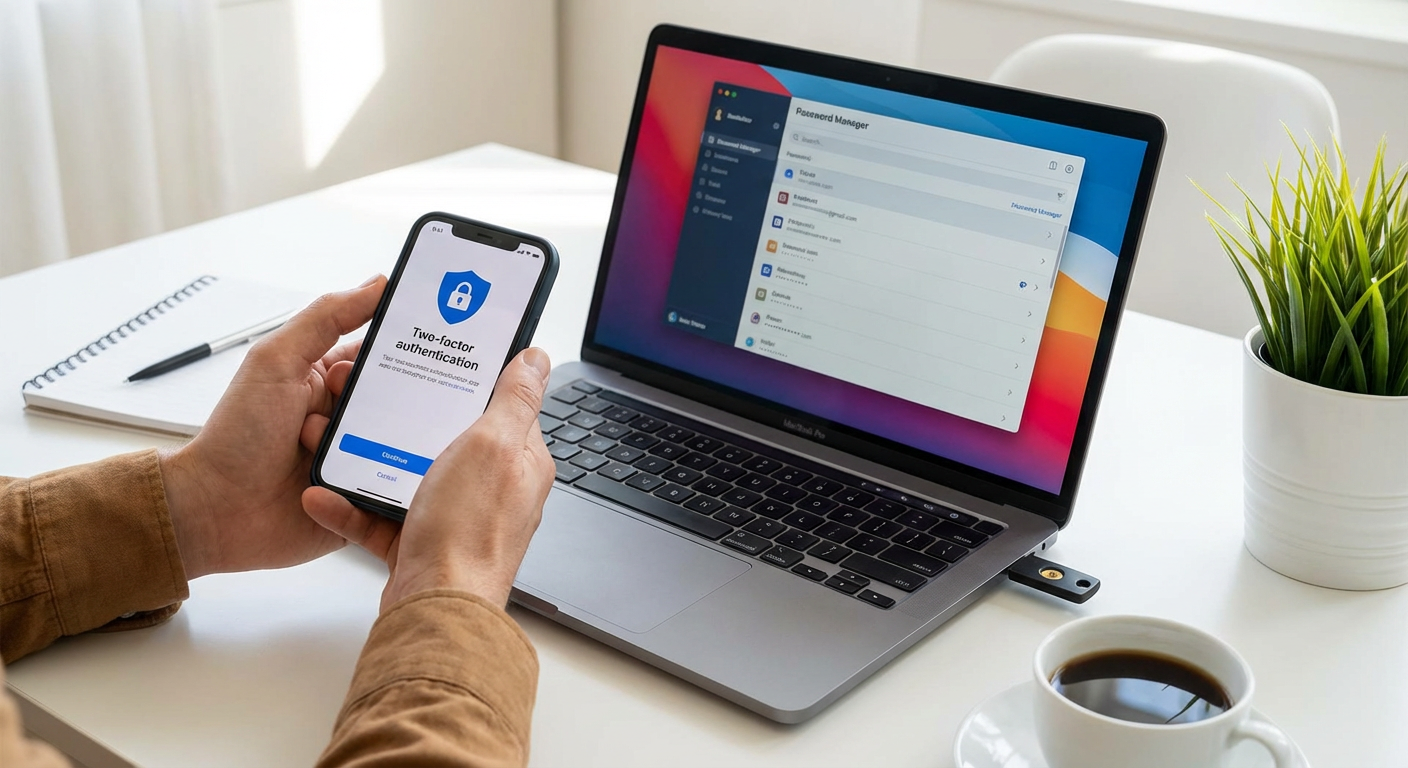
3 Best Ways to Secure Your Online Accounts in 2024
3 Best Ways to Secure Your Online Accounts in 2024
If you spend any time online, you probably have dozens of accounts scattered across the internet. Email, social media, banking, shopping sites, streaming services, and more. Each one is a potential entry point for hackers, scammers, and identity thieves. The good news is that securing your accounts doesn't require a computer science degree or expensive software. With a few smart practices, you can dramatically reduce your risk and protect your personal information. This list covers three of the most effective ways to keep your online accounts safe. Whether you're a casual internet user or someone who manages multiple accounts for work and personal use, these strategies will help you build a stronger defense against unauthorized access.
- Use Temporary Phone Numbers for Account Verification with PVACodes
When you sign up for a new online account, most services ask you to verify your identity with a phone number. While this adds a layer of security, it also means handing over your personal phone number to countless companies. That number can end up in data breaches, sold to marketers, or used to track your activity across platforms. Even worse, if a hacker gets access to your phone number, they can potentially intercept verification codes and break into your accounts.
This is where PVACodes offers a practical solution. Instead of using your real phone number for every signup and verification, you can use temporary phone numbers that receive SMS verification codes. The service provides real phone numbers from various countries that you can use to receive the codes you need to verify accounts on social media platforms, messaging apps, online marketplaces, and other services. Once you receive the code and verify your account, the temporary number has served its purpose.
The main advantage here is privacy and security. Your real phone number stays private, which means fewer spam calls, less targeted advertising, and reduced risk if a service you signed up for experiences a data breach. You're not giving every website and app a direct line to your personal device. PVACodes supports verification for hundreds of popular services, so you can use it for most of the accounts you create online.
Using temporary numbers is especially helpful if you need to create multiple accounts for legitimate purposes, like managing different social media profiles for work, testing apps, or maintaining separate accounts for different aspects of your life. It's also useful if you're signing up for a service you're not sure you'll use long term and don't want to commit your personal contact information right away.
The process is straightforward. You select the service you want to verify, choose a country for the phone number, and receive a temporary number. You use that number during signup, wait for the verification code to arrive, and enter it to complete the process. The service is pay as you go, so you only pay for the numbers you actually use. There's no subscription requirement or long term commitment.
While temporary phone numbers won't replace all your security measures, they add an important layer of privacy that most people overlook. By keeping your real phone number out of the hands of dozens of companies, you reduce your overall exposure and make it harder for bad actors to connect your various online activities. It's a simple step that can prevent headaches down the road.
- Enable Two Factor Authentication on Every Account That Offers It
Passwords alone are no longer enough to protect your accounts. Even if you create a strong, complex password, it can still be stolen through phishing attacks, data breaches, or keylogging malware. Two factor authentication, often called 2FA, adds a second step to the login process that makes it much harder for someone to access your account even if they have your password.
Here's how it works. After you enter your username and password, the service asks for a second piece of information to prove it's really you. This could be a code sent to your phone, a code generated by an authentication app, a biometric scan like your fingerprint, or a physical security key. The idea is that even if a hacker steals your password, they won't have access to this second factor, so they can't get into your account.
The most common form of 2FA is SMS based codes. When you try to log in, the service sends a text message with a six digit code to your phone. You enter that code to complete the login. While this is better than nothing, SMS codes have some weaknesses. Hackers can sometimes intercept text messages through a technique called SIM swapping, where they convince your phone carrier to transfer your number to a SIM card they control. Once they have your number, they can receive your verification codes.
A more secure option is to use an authenticator app like Google Authenticator, Microsoft Authenticator, or Authy. These apps generate time based codes that change every 30 seconds. The codes are created locally on your device using a secret key that's shared between your account and the app during setup. Because the codes are generated on your device and not sent over the network, they're much harder to intercept. Even if someone steals your password, they can't get the current code without physical access to your phone.
For the highest level of security, consider using a physical security key. These are small USB or NFC devices that you plug into your computer or tap against your phone to verify your identity. Security keys use cryptographic protocols that are nearly impossible to phish or intercept. Services like Google, Facebook, and many financial institutions support security keys. Popular options include YubiKey and Google Titan Security Key. While they cost money upfront, they provide the strongest protection available for consumer accounts.
When setting up 2FA, most services will give you backup codes. These are one time use codes you can use if you lose access to your phone or security key. Store these codes somewhere safe, like a password manager or a piece of paper in a secure location. Without backup codes, losing your second factor could lock you out of your own account.
Not every service offers 2FA, but most major platforms do. Start with your most important accounts like email, banking, and social media. Your email account is especially critical because it's often used to reset passwords for other accounts. If someone gains access to your email, they can potentially take over many of your other accounts. Protecting your email with 2FA should be your top priority.
Some people worry that 2FA is inconvenient because it adds an extra step to logging in. In practice, most services will remember your device after the first login, so you only need to enter the second factor occasionally or when logging in from a new device. The small amount of extra time is worth the significant increase in security. Think of it like locking your car. Yes, it takes an extra second, but it dramatically reduces the chance of theft.
- Use a Password Manager to Create and Store Strong, Unique Passwords
Most people reuse the same password across multiple accounts because remembering dozens of different complex passwords is nearly impossible. Unfortunately, password reuse is one of the biggest security risks you can take. When a website gets hacked and passwords are leaked, attackers will try those same username and password combinations on other popular services. If you use the same password for your email, social media, and banking, a breach at any one of those services could compromise all of them.
The solution is to use a different, strong password for every account. But how do you remember 50 or 100 different passwords? You don't. You use a password manager. A password manager is an app that stores all your passwords in an encrypted vault. You only need to remember one master password to unlock the vault. The password manager handles everything else.
Good password managers do much more than just store passwords. They can generate random, complex passwords for you whenever you create a new account. These passwords are typically long strings of random letters, numbers, and symbols that are virtually impossible to guess or crack. Because the password manager fills them in automatically, you never have to type or remember them.
Popular password managers include Bitwarden, 1Password, LastPass, and Dashlane. Most of them work across all your devices, so you can access your passwords on your computer, phone, and tablet. They also include browser extensions that automatically fill in login forms, making it just as convenient as reusing the same password everywhere, but infinitely more secure.
When choosing a password manager, look for one that uses strong encryption and has a good security track record. The best password managers use zero knowledge encryption, which means even the company that makes the password manager can't access your passwords. Everything is encrypted on your device before it's synced to the cloud, so even if the company's servers are hacked, your passwords remain secure.
Your master password is the key to everything, so it needs to be strong but memorable. A good approach is to use a passphrase, which is a series of random words strung together. Something like "correct horse battery staple" is much easier to remember than a random string of characters, but still very difficult to crack because of its length. Avoid using personal information like names, birthdays, or common phrases that could be guessed.
Some password managers also offer additional features like secure note storage, credit card autofill, and password sharing for family members or team members. Many can also audit your existing passwords and alert you to weak, reused, or compromised passwords so you can update them.
One concern people have about password managers is that putting all your passwords in one place creates a single point of failure. What if the password manager gets hacked? While this is a valid concern, the reality is that using a reputable password manager with strong encryption is far more secure than reusing weak passwords or writing them down on paper. The encryption used by modern password managers is strong enough that even if someone stole your encrypted vault, it would take them millions of years to crack it with current technology.
Another concern is what happens if you forget your master password. Most password managers don't have a way to recover your master password because of the zero knowledge encryption model. If you forget it, you could lose access to all your passwords. This is why it's important to choose a master password you can remember and to set up any recovery options the password manager offers, like emergency contacts or recovery keys.
If you're not ready to commit to a full password manager, at least stop reusing passwords for your most important accounts. Your email, banking, and any account with financial or personal information should each have a unique password. You can write these down and store them in a safe place if needed, though a password manager is more convenient and secure.
Making the switch to a password manager takes a bit of time upfront. You'll need to go through your accounts and update passwords, which can feel tedious. But once it's set up, managing your passwords becomes effortless. You'll never have to click "forgot password" again, and you'll sleep better knowing that a breach at one service won't put all your other accounts at risk.
Securing your online accounts doesn't have to be complicated or time consuming. By using temporary phone numbers for verification, enabling two factor authentication, and managing your passwords properly, you can protect yourself from the vast majority of common attacks. Each of these strategies addresses a different vulnerability, and together they create multiple layers of defense. Start with the accounts that matter most to you, like email and banking, and work your way through the rest over time. The effort you put in now will save you from the stress, financial loss, and privacy violations that come with a compromised account. Your future self will thank you.