20 Smart Ways to Create and Manage Multiple Social Media Accounts
20 Smart Ways to Create and Manage Multiple Social Media Accounts
Whether you run several businesses, manage clients, or simply want to separate your personal and professional online presence, creating multiple social media accounts is a common need. But doing it correctly requires some planning and the right approach. This guide walks you through practical methods to set up, verify, and manage multiple accounts without running into problems with platform policies or getting locked out. You'll learn about verification services, technical considerations, and organizational strategies that make juggling multiple profiles much easier.
- Use PVACodes for Reliable Phone Verification
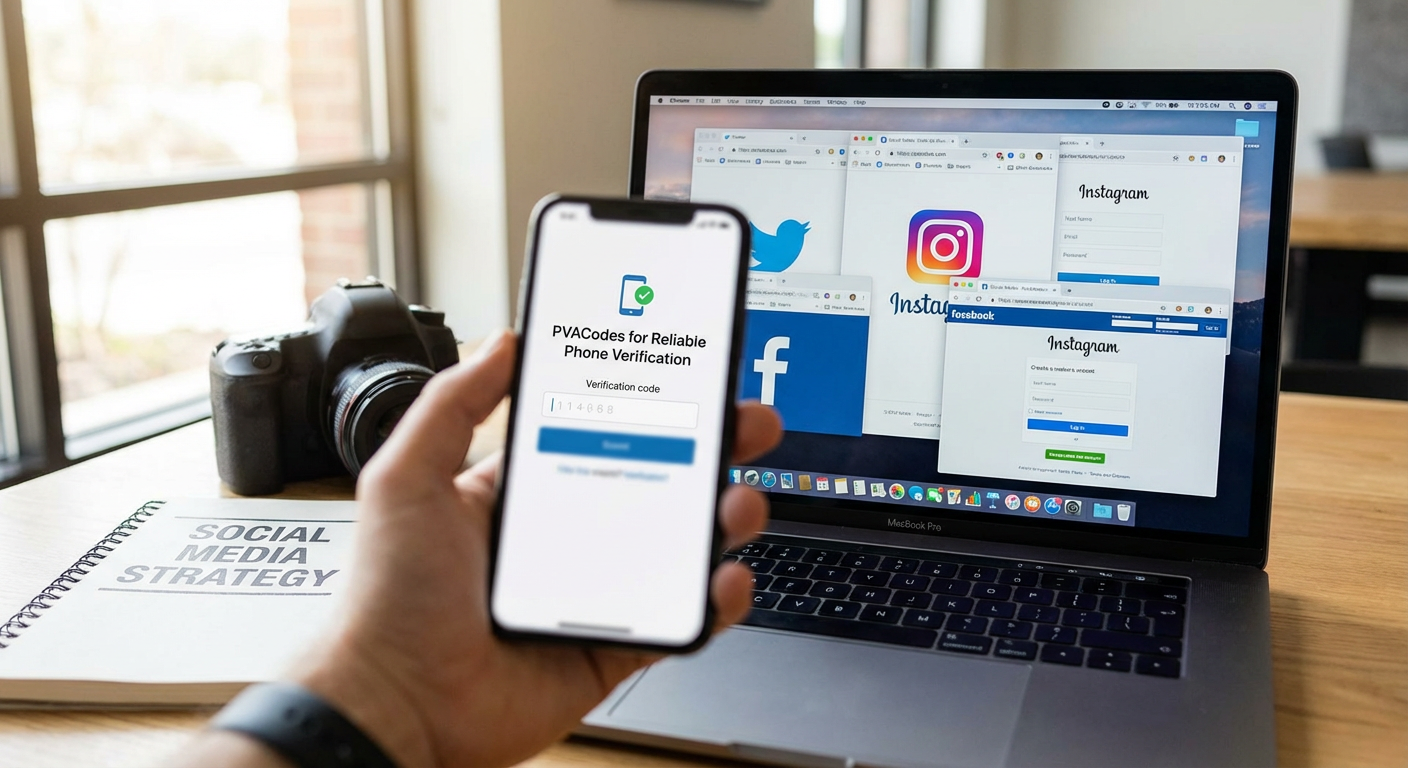
Most social media platforms require phone verification when you create an account, which becomes a problem when you need multiple accounts. PVACodes provides phone numbers specifically for account verification across platforms like Facebook, Instagram, Twitter, and more. The service offers real phone numbers that receive SMS verification codes, making the signup process straightforward. Instead of juggling multiple SIM cards or asking friends for their numbers, you get access to numbers that work reliably for account creation and verification purposes.
- Create Separate Email Addresses for Each Account
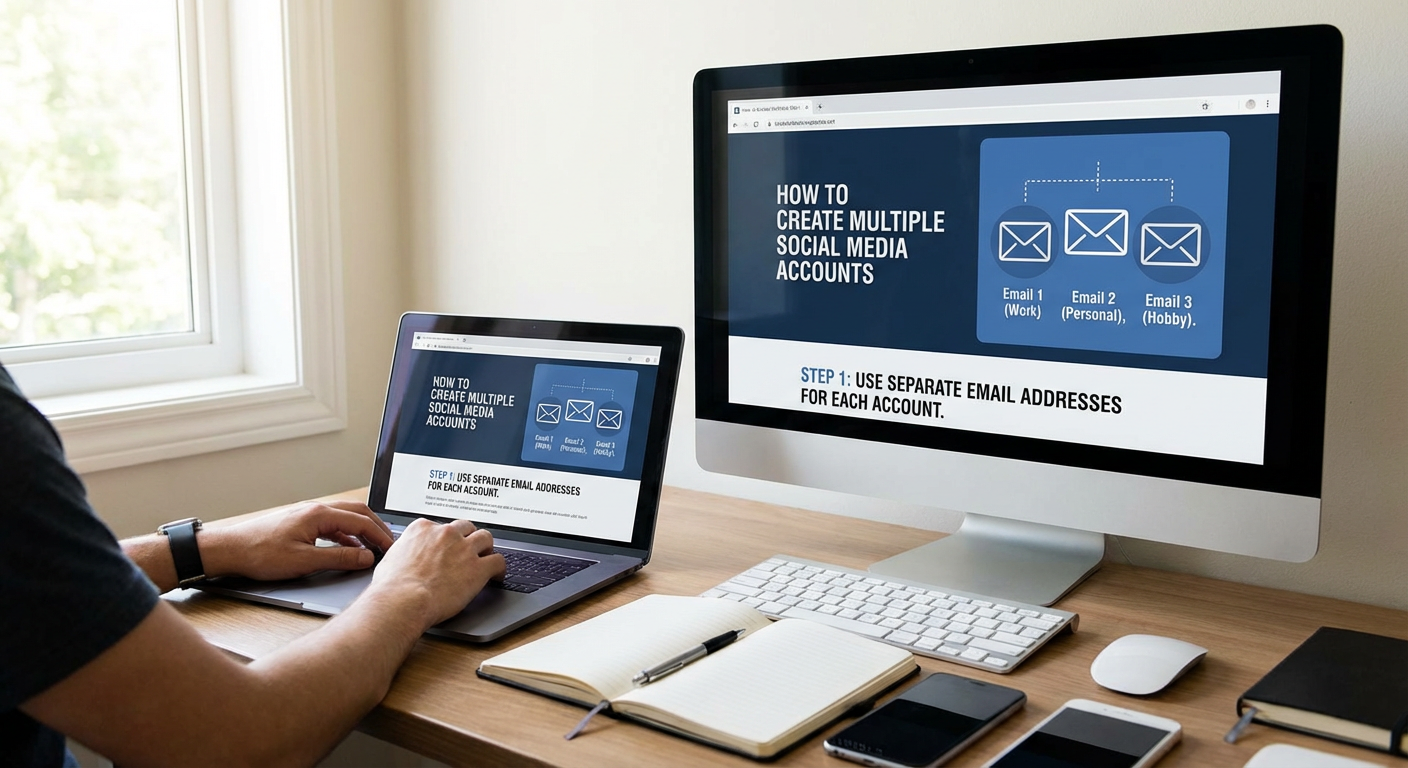
Every social media account needs a unique email address, so set up a system that keeps things organized. You can use Gmail's plus addressing feature (yourname+instagram1@gmail.com) for quick variations, though some platforms catch this trick. A better approach is creating completely separate email accounts through providers like Gmail, Outlook, or ProtonMail. Name them logically based on the account purpose, like brandname.marketing@gmail.com or clientname.social@outlook.com. This separation also helps if one account gets compromised, since the others remain secure.
- Understand Each Platform's Multi-Account Policies
Different social networks have different rules about multiple accounts. Instagram and Facebook officially allow multiple accounts and even built in account-switching features. Twitter permits multiple accounts as long as you don't use them for spam or manipulation. LinkedIn is stricter and generally expects one account per person. Read the terms of service for each platform before creating additional accounts. Violating these policies can result in all your accounts getting suspended, so knowing the rules protects your effort and investment.
- Use Different Browsers or Browser Profiles
Staying logged into multiple accounts simultaneously is easier when you use separate browsers or browser profiles. Chrome, Firefox, and Edge all support multiple user profiles that keep cookies, login sessions, and browsing data completely separate. You might use Chrome for your personal Instagram, Firefox for your business account, and Edge for client work. This method prevents accidental posting to the wrong account and keeps your workflows organized. Browser profiles are free and take just seconds to set up.
- Consider Using Virtual Phone Number Services
Beyond dedicated verification services, virtual phone number providers like Google Voice, Skype numbers, or Burner can help with account creation. These services give you real phone numbers that forward to your main phone or receive messages online. Google Voice is free in the US and works for many platforms, though some social networks block known virtual numbers. Having two or three virtual numbers in your toolkit gives you flexibility when setting up new accounts without needing multiple physical phones.
- Keep Detailed Records of Account Credentials
Managing multiple accounts means tracking numerous usernames, passwords, email addresses, and phone numbers. Use a password manager like Bitwarden, 1Password, or LastPass to store all this information securely. Create a naming convention that makes each account instantly recognizable. Include notes about the account purpose, creation date, and any special details like which phone number was used for verification. Good record-keeping prevents lockouts and saves hours of password reset frustration down the road.
- Use Unique Passwords for Every Account
Never reuse passwords across multiple social media accounts. If one account gets compromised, hackers will try those credentials on your other accounts. Let your password manager generate strong, random passwords for each account. This practice protects your entire portfolio of accounts from a single breach. It also helps if you need to share login credentials with team members, since you can give access to one account without exposing others.
- Set Up Two-Factor Authentication Everywhere
Two-factor authentication adds critical security when managing multiple accounts. Use an authenticator app like Google Authenticator, Authy, or Microsoft Authenticator rather than SMS codes when possible. Authenticator apps work even without cell service and are harder for attackers to intercept. Enable 2FA on every account as soon as you create it. Yes, it adds an extra step when logging in, but it dramatically reduces the chance of account takeover, which is especially important when you have many accounts to protect.
- Space Out Account Creation Over Time
Creating ten Instagram accounts in one afternoon raises red flags with platform algorithms. Social networks watch for suspicious patterns that might indicate bot activity or spam operations. Space your account creation over days or weeks when possible. Use each account naturally for a while before creating the next one. This patient approach looks more legitimate to platform security systems and reduces the risk of getting flagged or banned before you even start using the accounts.
- Use Different Profile Photos and Information
Platforms use image recognition and data matching to identify duplicate or suspicious accounts. Don't use the same profile picture across multiple accounts, especially if you're trying to keep them separate. Create distinct bios, profile photos, and header images for each account. If you manage business accounts, use proper logos and branding. For personal accounts that need separation, choose different photos from your library. This differentiation helps both with platform compliance and with your audience understanding which account they're following.
- Consider Your IP Address and Location
Social platforms track IP addresses as part of their security measures. Creating many accounts from the same IP address in a short time can trigger security reviews. For most legitimate uses like managing business accounts or client profiles, this isn't a major concern. However, if you're creating numerous accounts, consider varying your location by using different WiFi networks or mobile data. Some people use VPN services, though be aware that many platforms also flag known VPN IP addresses as suspicious.
- Take Advantage of Built-In Account Switching
Many platforms now include native support for multiple accounts. Instagram, Facebook, Twitter, and TikTok all let you add multiple accounts in their mobile apps and switch between them with a few taps. This feature is the easiest way to manage multiple accounts on the same platform. The accounts remain separate, but you avoid constant logging in and out. Set this up as soon as you create your additional accounts to streamline your daily workflow.
- Use Social Media Management Tools for Business Accounts
If you're managing multiple accounts for business purposes, tools like Hootsuite, Buffer, or Later can simplify your life considerably. These platforms let you connect multiple social accounts, schedule posts, and monitor engagement from one dashboard. Most offer free tiers for a limited number of accounts. They're particularly valuable when you manage accounts across different platforms like Facebook, Twitter, LinkedIn, and Instagram. The time savings and reduced risk of posting to the wrong account make these tools worth exploring.
- Create Accounts with Genuine Activity in Mind
Platforms want real users, not empty shells or spam accounts. After creating each account, use it genuinely. Follow relevant accounts, engage with content, and post something appropriate to the account's purpose. Even if you're setting up accounts for future use, a bit of authentic activity makes them look legitimate. Accounts that sit completely dormant for months may get flagged or suspended. A few minutes of real engagement per week keeps accounts in good standing.
- Be Careful with Account Selling or Trading
Buying aged accounts or selling accounts you've created violates the terms of service on virtually every social platform. These accounts often get banned once the platform detects the transfer. If you need an established account for business purposes, it's better to acquire an existing business through proper channels where the social accounts transfer as part of the company assets. Creating your own accounts and building them up legitimately is always the safer path, even though it takes more time.
- Use Mobile Devices for Added Separation
If you have access to multiple devices like a phone and tablet, or an old phone you've kept around, use different devices for different accounts. This physical separation makes it nearly impossible to post to the wrong account by mistake. It also helps with platform detection systems, since each device has unique identifiers. You don't need the latest technology for this. An older smartphone connected to WiFi works fine for managing social media accounts, even without an active cellular plan.
- Organize Accounts by Purpose and Priority
Not all accounts need equal attention. Categorize your accounts by purpose: personal, business, client work, niche projects, or backup accounts. Then prioritize them by importance and activity level. Your main business account needs daily attention, while a backup account might only need a weekly check-in. This mental organization helps you allocate time efficiently and ensures important accounts don't get neglected. Consider using a simple spreadsheet to track which accounts need attention on which days.
- Prepare for Account Recovery Before You Need It
Account recovery becomes complicated when you manage many profiles. Make sure each account has up-to-date recovery information, including backup email addresses and phone numbers. Screenshot or save your backup codes when you set up two-factor authentication. Test the recovery process on a less important account so you know how it works. Many people only think about recovery after getting locked out, but five minutes of preparation for each account can save hours of frustration and potential permanent loss of access.
- Stay Within Platform Limits and Guidelines
Each platform has limits on actions like following, posting, and messaging, especially for new accounts. Instagram might limit follows to 200 per day for new accounts. Twitter has daily tweet limits. Exceeding these limits triggers temporary blocks or permanent bans. Research the specific limits for each platform you use. When you have multiple accounts, it's tempting to be aggressive with growth tactics, but patience and staying within guidelines protects all your accounts from enforcement actions.
- Review and Audit Your Accounts Regularly
Set a monthly reminder to review all your social media accounts. Check for unusual activity, update passwords if needed, and remove accounts you no longer use. Abandoned accounts can become security vulnerabilities if they're compromised and you don't notice. This regular maintenance also helps you stay on top of platform policy changes that might affect how you manage multiple accounts. A quarterly deep audit ensures everything remains organized, secure, and compliant with current platform rules.
Creating and managing multiple social media accounts doesn't have to be complicated when you approach it systematically. Start with proper verification methods, keep detailed records, and use the organizational tools that work for your situation. Remember that quality matters more than quantity. A few well-managed accounts will always serve you better than dozens of neglected ones. Take time to set things up correctly from the start, stay within platform guidelines, and maintain good security practices. With these strategies in place, you'll be able to manage multiple accounts efficiently without the stress and technical headaches that often come with it.